
Brand Voice
Brand Voice defines how your brand communicates. its tone, personality, values, and the boundaries of what it should and shouldn’t say. GrackerAI uses this context when generating content and producing prompt suggestions.
Where to Find It
Go to Configuration → Brand Settings → Brand Voice tab.
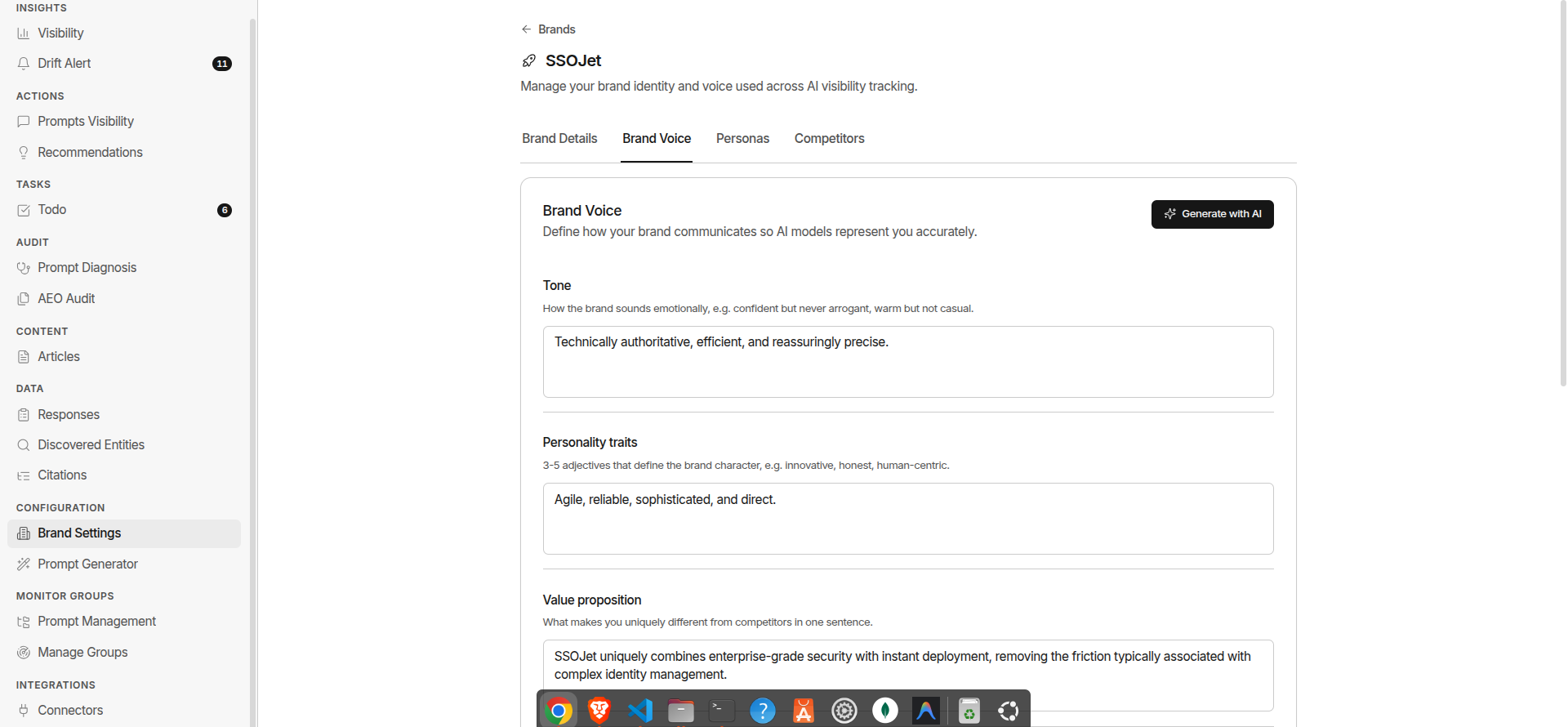
Brand Voice Fields
| Field | What It Does | |---|---| | Tone | How the brand sounds emotionally. e.g. confident, direct, empathetic | | Personality | 3–5 adjectives that define the brand character | | Value Proposition | What the brand uniquely delivers. one or two sentences | | Key Messages | The 3–5 claims your brand leads with in marketing | | Brand Positioning | Who the brand is for, what category it leads in, and how it differentiates | | Dos | Language patterns and framings to encourage in generated content | | Don’ts | Language patterns and framings to avoid in generated content |
How GrackerAI Uses Brand Voice
| Feature | How It Uses Brand Voice | |---|---| | Articles | Applies tone, personality, and dos/don’ts to all generated content | | Improve Visibility | Uses value prop and key messages to anchor optimised articles | | Prompt Mining | Aligns suggested prompts with brand positioning and persona language |
Editing Brand Voice
- Go to Configuration → Brand Settings → Brand Voice tab
- Update any fields directly - a Save changes button appears as soon as you’ve modified something
- Click Save changes
All fields are optional. even a tone and two or three key messages improve generation quality significantly.







