
Quickstart
The fastest path from sign-up to your first AI visibility data - with everything you need along the way.
TL;DR
- Sign up and finish the Brand Onboarding Wizard - it creates your first brand, competitors, prompts, and a monitor automatically.
- Your first monitor runs automatically as soon as onboarding finishes - no manual trigger needed.
- Read your first AI responses within minutes; a clean baseline lands in about 24 hours.
- Connect Google Search Console for sharper, demand-based prompts, then invite your team.
Step 1. Create your account
Sign up at portal.gracker.ai. No credit card is required to create your account.
Step 2. Complete the Brand Onboarding Wizard
When you first log in, the Brand Onboarding Wizard walks you through everything needed to start tracking. You’ll provide:
- Your brand - name and website.
- What you do and who it’s for - a short description GrackerAI uses to ground prompt and competitor suggestions.
- Your competitors - the rivals you want to measure yourself against.
- Your prompts - the buyer questions you want to track (the wizard suggests a starter set from your details).
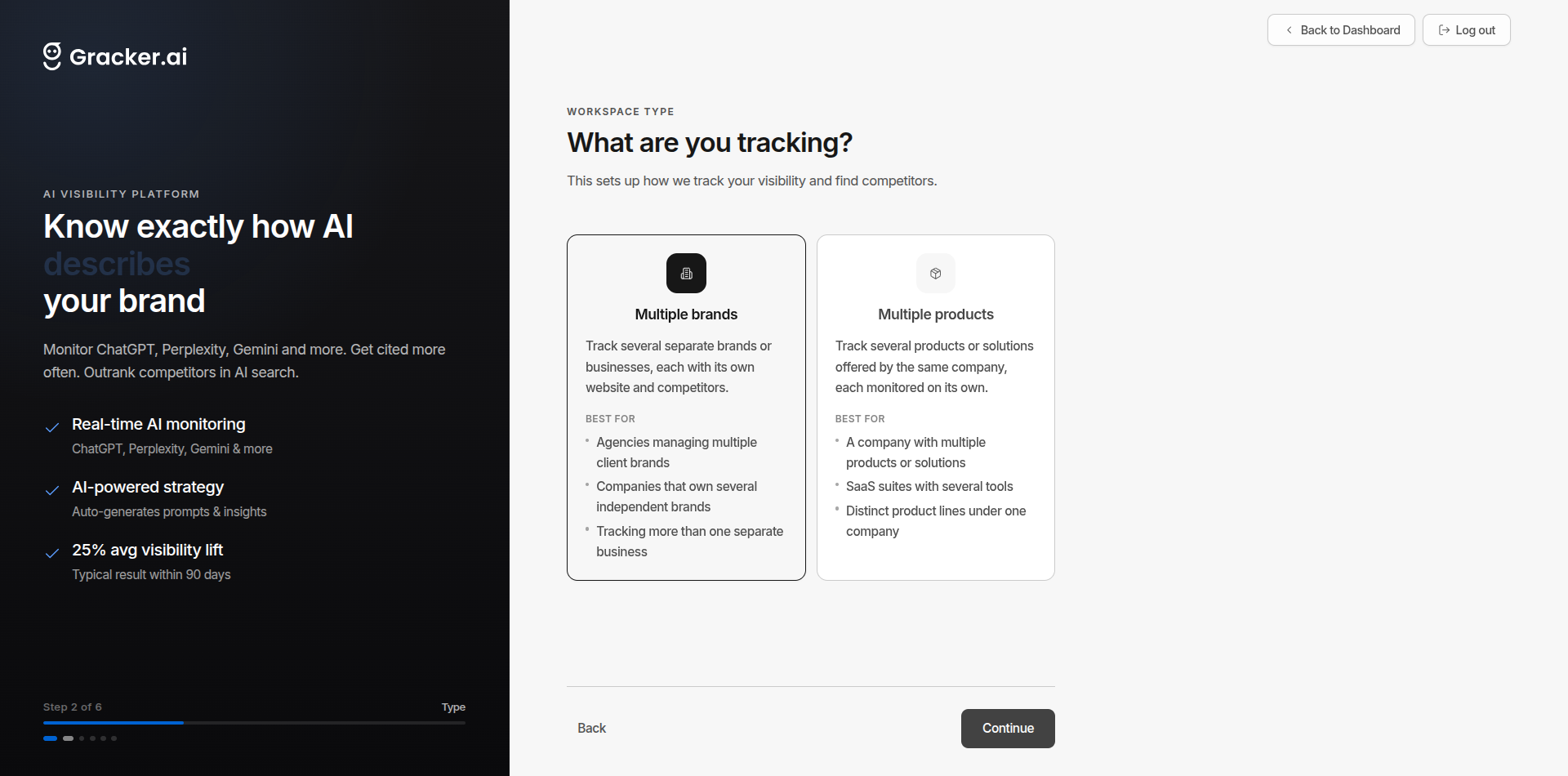
When you finish, GrackerAI automatically creates your brand, competitors, prompts, and a starter monitor - no manual setup required.
Step 3. Your first run
GrackerAI runs your new monitor automatically the moment onboarding finishes, so you don’t have to do anything - your first responses start arriving within minutes.
- On a paid plan or active trial, the run starts right at completion.
- On the Free plan, it starts as soon as you begin your trial or pick a plan.
- After the first run, monitors re-run automatically on your plan’s schedule - no manual triggering needed.
Step 4. Read your first responses
Open Responses to read exactly what each AI platform said. For every response you’ll see:
- Mentions - whether your brand appeared, how prominently, and which competitors showed up.
- Sentiment - how favourably you were described.
- Citations - the source domains the answer linked to, and whether any were yours.
This is the raw evidence behind every score on your dashboard - when a number moves, this is where you find out why.
Step 5. Connect Google Search Console
Connecting GSC is the fastest way to get high-quality prompts. GrackerAI uses your real buyer search queries to suggest prompts that match actual demand, instead of guesses.
Go to Integrations → Connectors, find Google Search Console, and follow the connect flow.
See the full guide → Google Search Console
Step 6. Invite your team
Add teammates at Manage Workspace → Team Management so they can work in the same workspace:
| Role | What They Can Do | |---|---| | Owner | Full workspace control. billing, settings, and managing every member | | Admin | Invite and manage members, and work across brands, prompts, monitors, and content | | Member | Use the workspace. view analytics and work with brands and prompts |
What to Expect
| Timeframe | What You’ll See | |---|---| | First few minutes | AI responses from your first run | | 24 hours | A clean baseline across all selected surfaces | | 2 weeks | Trends you can act on | | 4–8 weeks | Measurable improvement from content changes |







