Prompt Generator
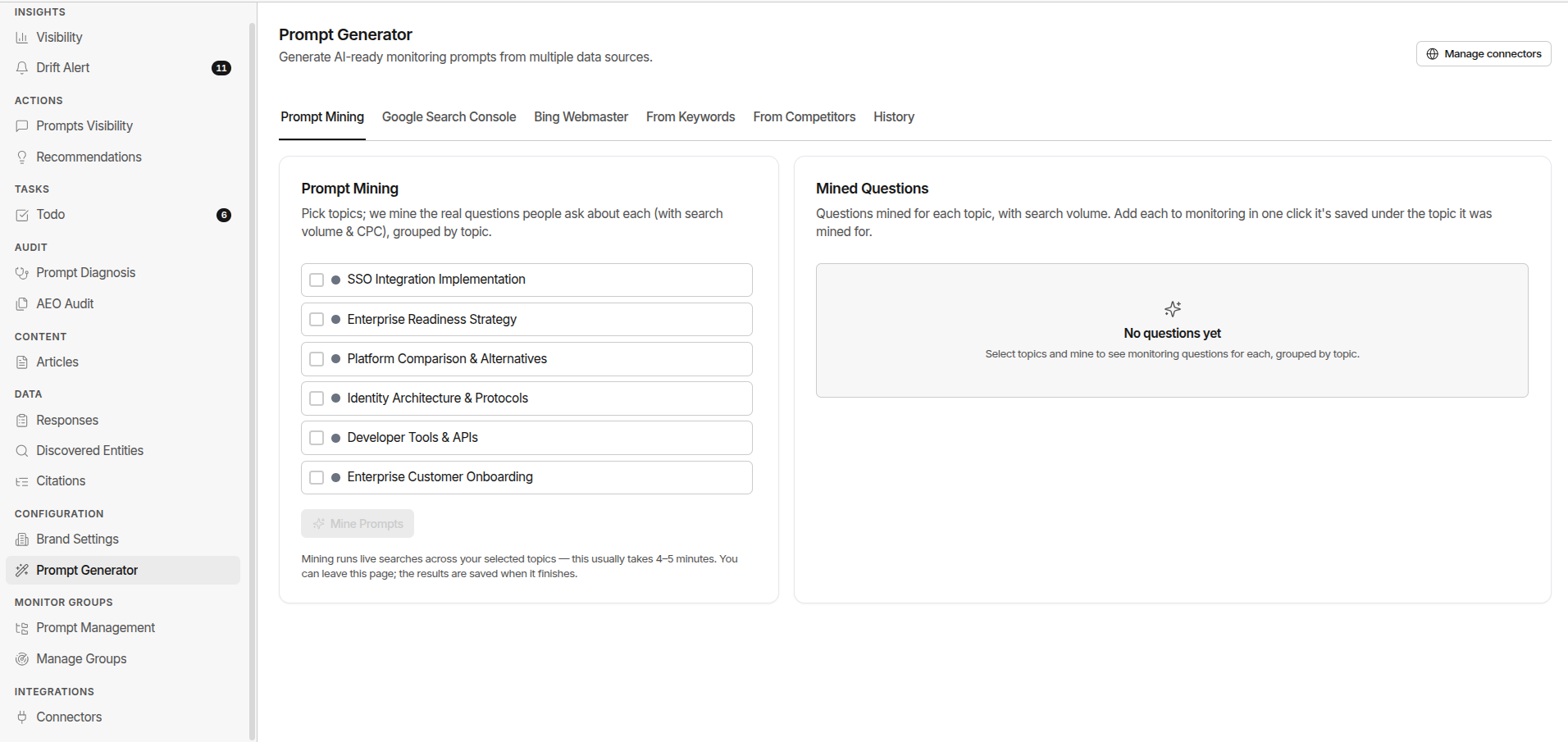
The Prompt Generator uses AI to suggest monitoring prompts based on your brand, market, and connected data sources. It's a brainstorm tool - not an autopilot.
Always review every suggestion before activating. Never bulk-add generated prompts without reading each one.
The Three Generation Sources
The page is organised into source tabs - each generates candidates from a different signal, plus a History tab of past generation runs.
AI
Generates from your brand context - domain, description, personas, and competitor set. Click Generate Prompts.
Mined Questions
Mines real buyer questions from your topics and turns the strongest into prompt candidates.
Google Search Console
Pulls the queries your site already ranks for and converts them into prompts. Click Fetch & Generate.
History
Every past generation run with its candidates, so nothing suggested is ever lost.
Connect Google Search Console before running the generator - it dramatically improves suggestion quality by grounding prompts in real buyer search behaviour. See Google Search Console.
When to Use It
| Situation | Why It Helps |
|---|---|
| Starting from scratch | Seed a baseline library when you have no prompts yet |
| Gap expansion | You've identified a theme where competitors win - get suggested prompts to expand coverage |
| New vertical or geography | Generate vertical-specific prompts you haven't thought of |
| New competitor added | Get suggested comparison and alternative prompts for that competitor |
How to Run It
- Go to Configuration → Prompt Generator in the sidebar
- Pick a source tab - AI, Mined Questions, or Google Search Console
- Click that tab's generate action to start a generation job
- Wait for the job to complete - this takes a minute or two
- Review the candidate list
Reviewing Suggestions
Each generated prompt is a candidate - it won't enter your active library until you approve it.
| Action | When to Use It |
|---|---|
| Add to Monitoring | The prompt is relevant and well-written - select a monitor group and add it |
| Edit then add | The prompt is close but needs buyer context or refinement |
| Dismiss | The prompt is too generic, irrelevant, or already covered |
5–10 well-chosen prompts from a generation run are worth more than 50 unreviewed ones.
Judging Prompt Quality
| Quality | Example | Action |
|---|---|---|
| Too generic | "Best EDR tools" | Dismiss or rewrite with buyer context |
| Good starting point | "Best EDR tools for healthcare" | Edit to add specificity |
| Strong as-is | "What's the best EDR for a 500-person healthcare SaaS with HIPAA compliance running on AWS?" | Add to group immediately |
Generation History
The generator keeps a history of past runs. You can:
- Review suggestions from previous runs you haven't acted on yet
- See which suggestions you've already added or dismissed
- Re-run to get fresh suggestions as your brand and market evolve
There is a cap on how many generation runs are stored in history. Run the generator regularly rather than storing large backlogs of unreviewed suggestions.
Common Mistakes
Bulk-adding all suggestions without review
Unreviewed prompts dilute your data. Read every suggestion before adding it.
Running the generator without GSC connected
Connect Google Search Console first for much better quality suggestions.
Only running it once
Re-run after adding new competitors, entering new verticals, or after major market events.
Ignoring the dismissed queue
Re-check dismissed suggestions quarterly - what wasn't relevant 3 months ago might be now.