How AI Content Teams Repurpose Documents Into Marketing Assets

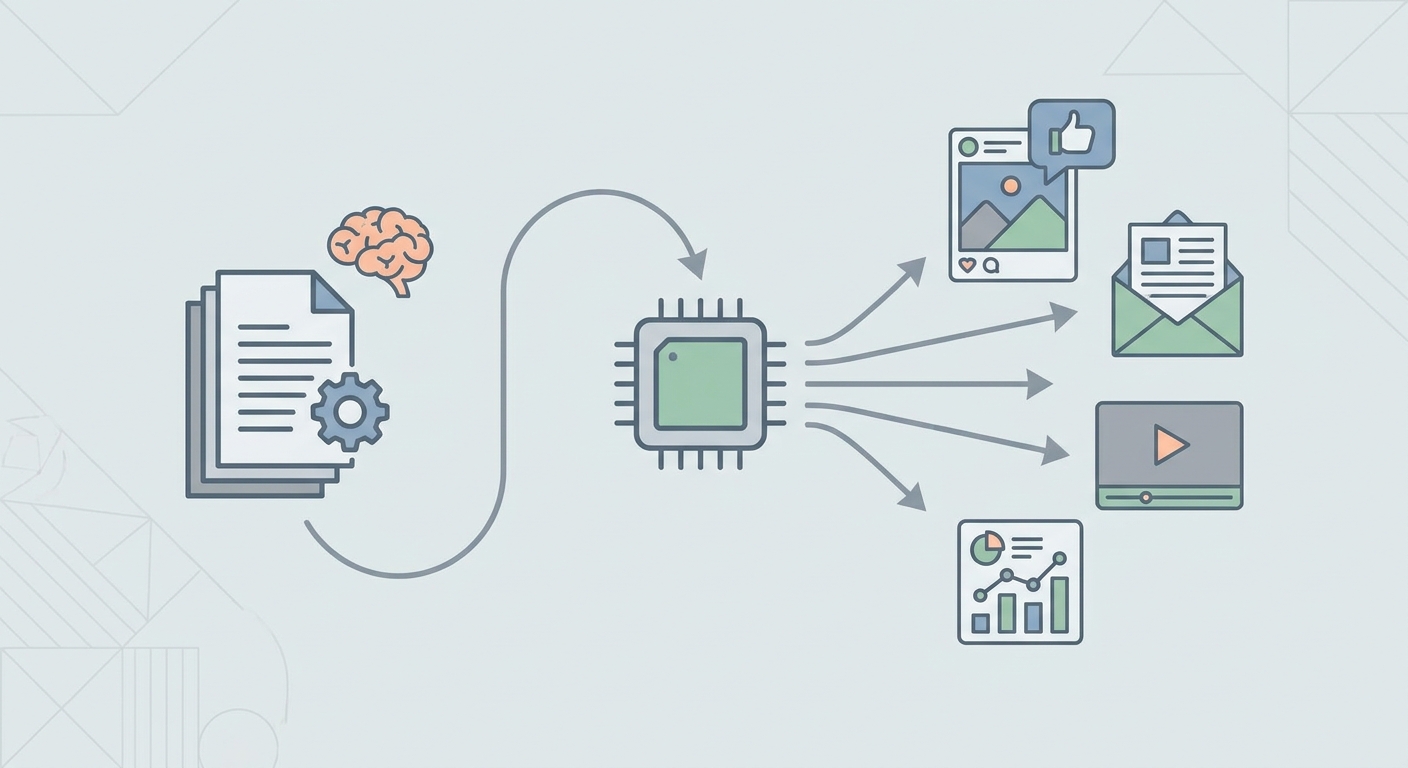
Content teams often have more usable material than they realize. A whitepaper may contain buyer objections, product positioning, research findings, definitions, process explanations, and sales arguments that never reach a wider audience because the document was treated as a finished file. Reports, PDFs, product briefs, webinars, analyst summaries, and internal guides can all become marketing assets when they are reviewed with a content system in mind. Automated processes expedite the task, yet it takes more than that for a content creation effort to be truly successful. It starts by being well-informed of what material is needed to be extracted, updated, and repurposed. An organized document library is capable of functioning as a reliable source of content generation if the team understands its potential uses.
Start With the Source Document
Repurposing begins before a prompt is written. A report or whitepaper may look polished, but that does not mean it is ready to become a blog post, landing page, answer-ready resource, or email sequence. Old product names, outdated statistics, unclear captions, buried comments, and scattered formatting can move straight into the next asset when the source file is treated too casually. Before a whitepaper becomes a campaign asset, teams often need to edit PDF files so claims, messaging, and notes are clean enough for the next step. This is where some tools fit seamlessly into the workflow. The value is not in making a document look nicer for its own sake. The value is in giving marketers a cleaner base for extraction, review, annotation, and collaboration before the material is reshaped for public channels.
A source document should be checked for accuracy, structure, and usability. Accuracy means the facts, product descriptions, dates, and claims still match what the company can stand behind. Structure means sections, headings, tables, and visual references are clear enough to guide content planning. Usability means the document contains pieces that can be reused without forcing the team to rebuild the idea from scratch. A PDF editor can help with text updates, comments, annotations, forms, signatures, and cloud-based review. That becomes very important for a content team since repurposing is almost never done individually. The product marketer, subject expert, head of SEO, and the demand gen team might all have to look at the content before it's publicly available.
Separate Raw Information From Marketable Ideas
A long document is not automatically a rich content source. Some files contain plenty of information but very few marketable ideas. Others hide strong angles inside technical explanations or internal phrasing that was never written for buyers. The first editorial task is to separate raw material from ideas that can carry a full marketing asset. A paragraph explaining a product workflow may become a how-to article. A section comparing approaches may become a buyer education page. A short definition may become an FAQ block. A customer pain point buried in a report may become the opening argument for a newsletter or sales enablement piece.
This step requires judgment. A software tool can categorize sections, synthesize key points, and propose potential formats; however, it may not be able to determine whether certain concepts merit public attention. The content team must bridge the connection between the document and the following elements. A technical feature explanation might be useful for a product page but weak as a standalone blog topic. A research insight might work better as a thought leadership article than as social copy. A compliance note might belong in sales enablement rather than top-of-funnel content. The goal is to avoid turning every sentence into content. The better approach is to identify the ideas that answer real buyer questions, clarify a problem, or support a decision.
Build a Repurposing Map Before Writing
Repurposing works best when the team decides where each idea should go before writing starts. Without that map, automated tools may create several pieces that sound different but carry the same argument. That creates overlap across the content library and weakens the value of the original document. A repurposing map prevents that by assigning each usable section to a purpose, audience, and format. It also helps marketers decide which parts of the source document need human review before they are published.
A practical map can sort document material into a few asset types:
Search-focused articles that answer buyer questions tied to product problems or category education.
FAQ sections built from definitions, objections, comparisons, and short explanatory passages.
Landing page copy shaped from outcome statements, feature explanations, and use-case sections.
Email and newsletter content drawn from research findings, process insights, and practical takeaways.
Sales enablement assets built from proof points, competitor comparisons, internal notes, and buyer objections.
This structure helps automation become a production assistant rather than a blind rewriting tool. The team can use it to extract objections, group similar ideas, rewrite dense sections for a specific audience, or suggest outlines based on a chosen asset type. The map also protects the original message. A whitepaper written for technical buyers should not be flattened into generic copy. A product guide should not become a vague article that loses operational detail. When each idea has a destination, the finished content feels intentional rather than recycled. That intentionality matters even more in regulated or trust-heavy verticals - see how EdTech companies apply AI to content creation and marketing automation for how one such vertical balances automation with the accuracy education content demands, or how nonprofits use AI to support marketing and outreach for the same discipline applied in a resource-constrained, trust-first sector.
Transform the Material Instead of Rewriting It
The easiest way to weaken a source document is to ask for a simple rewrite with little direction. That kind of workflow often produces content that is readable but thin. Better work comes from transformation. Transformation means changing the format, audience fit, structure, and purpose of the source material while keeping the useful substance intact. A dense report can become a structured article for buyers who need a clearer view of the problem. A webinar transcript can become a set of answer-ready sections. A product brief can become comparison content, FAQ copy, or campaign messaging.
Automation is useful when it handles sorting and reshaping tasks. It can identify repeated themes across several documents, group questions by intent, suggest headings, shorten dense passages, and create variations for different channels. Still, human review remains necessary. Marketers need to check whether the meaning was preserved, whether a claim became too broad, whether support was invented, or whether product positioning changed. Subject experts should review technical accuracy. SEO teams should review search intent and content structure. Brand teams should check voice, clarity, and consistency. This layered approach keeps the team in control and turns software into a tool for organized production.
Search engines and answer engines need material that directly addresses questions and presents information in a form that can be understood, cited, or summarized. Repurposed content should therefore be more than a reshaped PDF. It should become easier to scan, easier to verify, and easier to match with real queries. A quality content may include definitions, comparison points, process steps, common mistakes, and buyer-focused explanations that were present in the original file but hidden behind a format built for another purpose.
Keep the Document Workflow Collaborative
Document repurposing often fails when ownership is unclear. A content marketer may understand the audience but miss a technical nuance. A subject expert may know the topic deeply but write in a way that does not work for search or buyer education. A product marketer may protect positioning but overlook how a user would phrase the problem. Collaboration solves this, but only when the source document is easy to review and update. That is another reason PDF preparation matters. When comments, annotations, text edits, and approvals happen in one file, the team can reduce confusion before the content moves into a larger workflow.
Lumin PDF can support this preparation stage by making PDFs editable, reviewable, and easier to coordinate across stakeholders. That does not replace strategy, but it helps teams work with documents that would otherwise stay static. A content lead can mark sections worth extracting. A product expert can correct outdated wording. A campaign manager can flag lines that may work for ads or email. Once the source file is cleaner, the next production stage works from better material, and the final assets are less likely to carry errors from the original document.
Collaboration should also include a clear approval path. Repurposed assets often touch claims that were originally written for a different setting. A line that works in a private sales deck may need more context in a public article. A statistic from a research report may need a date, source note, or softer framing. A product feature described in an internal brief may need updated language before it appears on a landing page. The team should decide who approves each type of content before the workflow scales. Otherwise, faster production can create more review debt.
Turn Static Files Into a Living Content System
A document archive becomes more valuable when it is treated as a living content system. That does not mean every PDF needs constant revision. It means the team should know which documents contain reusable ideas, which ones need updates, and which ones can support future campaigns. A strong repurposing process creates a path from source material to public assets without turning content into a copy-and-paste exercise. The document is reviewed, cleaned, mapped, transformed, checked, and then shaped for the right channel.
This approach also helps teams get more from work they have already done. A whitepaper that took weeks to produce should not disappear after one launch campaign. It may support multiple articles, a comparison page, a set of FAQ answers, a webinar follow-up, sales copy, and short-form educational content. A product guide may support search pages, onboarding emails, knowledge base updates, and buyer enablement material. Automation can speed up the movement from one format to another, but the real advantage comes from disciplined source preparation and editorial control.
For content teams working in SaaS, cybersecurity, and other technical markets, this workflow is particularly useful. Buyers often need clear explanations before they are ready to compare tools or speak with sales. Internal documents already contain many of those explanations, but they need to be reshaped for public use. When teams clean the source, identify usable ideas, build a repurposing map, and keep human oversight in place, static PDFs stop being archived files. They become structured inputs for content that educates buyers, supports search visibility, and gives marketing teams a steadier way to produce assets with substance.
The editorial judgment described throughout this piece — knowing which raw material is actually worth turning into content — is the same skill that separates top-performing content creators from teams that just produce more volume. When the destination format is a stakeholder presentation rather than an article, the content-to-deck pipeline for lean B2B marketing teams picks up from exactly this point.
![10 Best Local Rank Tracker Tools: In-Depth Comparison Guide [2025]](https://cdn.pseo.one/6abcb68a626591c40e1c8aa6/687e1c1ef6fe799d288518df/68809c373eb8562bcf68975d/10-best-local-rank-tracker-tools-comparison-guide/feature-image.jpg)