Top 16 Web Analytics Tools For 2026 (That Aren’t Google Analytics)

Key Takeaways
Web analytics tools in 2026 go beyond pageviews, helping businesses understand user behavior, performance, and conversions across complex digital journeys.
Due to rising privacy regulations and data limitations, many teams are adopting alternatives to Google Analytics for better data control and compliance.
Modern analytics strategies rely on a combination of product analytics, privacy-first tracking, performance tools, CRO platforms, and AI-powered insights.
There is no single best analytics tool; choosing the right solution depends on business goals, technical needs, and growth stage.
Introduction
Web analytics is no longer just about tracking pageviews and sessions. In 2026, businesses face stricter data privacy laws, growing user expectations, and increasingly complex digital journeys across devices and platforms. As a result, many teams are actively looking for alternatives to Google Analytics that offer better usability, deeper insights, stronger privacy controls, and more flexibility. Data protection authorities in at least seven EU/EEA countries — Austria, France, Italy, Denmark, Finland, Norway, and Sweden — have ruled that Google Analytics' transfer of visitor data to the US violates GDPR, following complaints privacy group noyb filed across the EU starting in 2020 (noyb.eu, retrieved 2026-09-18), which is one direct driver behind the search for alternatives, not just a preference shift.
Unlike earlier analytics setups focused only on traffic volume, modern analytics strategies emphasize user behavior, performance, conversion optimization, and actionable insights. From product-focused tools like Mixpanel and Heap to privacy-first platforms like Fathom and Plausible—and supporting tools for SEO, performance, and CRO—companies now rely on a broader analytics stack to fully understand and optimize their digital presence.
What Are Web Analytics Tools Beyond Google Analytics?
Web analytics tools beyond Google Analytics are platforms that help businesses track, analyze, and optimize website and product performance without relying solely on Google’s ecosystem. These tools often specialize in areas such as product analytics, customer journey tracking, performance monitoring, privacy-first measurement, conversion rate optimization, or AI-powered insight generation.
There is no single “best” analytics tool for every business. Each platform serves a different purpose—whether it’s automated event tracking, heatmaps and experimentation, Core Web Vitals analysis, or turning raw data into strategic recommendations. The right choice depends on your business size, technical resources, privacy requirements, and growth goals.
To help you navigate this landscape, we’ve curated a list of the top web analytics tools beyond Google Analytics, covering their key features, ideal use cases, pros and cons, and pricing. Explore the full list to find the tools that best align with your analytics and optimization strategy.
If you believe there’s a web analytics or optimization tool we’ve missed that deserves to be included, feel free to let us know.
Quick Look
Adobe Analytics
Mixpanel
Heap
Screaming Frog SEO
Userpilot
Fathom
Woopra
Clicky
PageSpeed Insights
Crazy Egg
KISSmetrics
Visual Website Optimizer (VWO)
PostHog
Plausible
Matomo
PaveAI
Understanding these tools and their unique offerings is crucial for businesses looking to extract valuable insights from their web traffic. With the shifting landscape of digital analytics – driven by consumer privacy concerns and a demand for user-friendly interfaces – companies can find alternatives that suit their specific needs.
Comparison Table
Tool Name | Best For | Tool Category | Free Plan / Trial | Starting Price |
|---|---|---|---|---|
Adobe Analytics | Enterprise-level analytics & reporting | Enterprise Web Analytics | ❌ No | Custom pricing |
Mixpanel | Product & event-based tracking | Product Analytics | ✅ Yes | From $24/month |
Heap | Automatic event tracking | Product & Behavior Analytics | ✅ Yes | From $49/month |
Screaming Frog SEO | Technical SEO audits | SEO & Site Auditing | ✅ Yes (500 URLs) | £259/year |
Userpilot | In-app product growth & user adoption | Product Growth & Adoption Analytics | ❌ No (Trial available) | From ~$249/month |
Fathom | Privacy-first website analytics | Privacy Web Analytics | ❌ Trial only | From $14/month |
Woopra | Customer journey analytics | Customer Analytics | ✅ Yes | From $79/month |
Clicky | Real-time website analytics | Web Analytics | ✅ Yes | From $9.99/month |
PageSpeed Insights | Page speed & Core Web Vitals | Performance Analytics | ✅ Yes (Free) | Free |
Crazy Egg | Heatmaps & UX behavior | UX & CRO Analytics | ❌ Trial only | From $24/month |
KISSmetrics | Customer lifecycle tracking | Behavioral Analytics | ❌ No | Custom pricing |
Visual Website Optimizer (VWO) | A/B testing & CRO | Experimentation & CRO | ❌ Trial only | From ~$99/month |
PostHog | Open-source product analytics | Product Analytics | ✅ Yes | Free (self-hosted) |
Plausible | Lightweight privacy analytics | Privacy Web Analytics | ❌ No | From $6/month |
Matomo | Data ownership & self-hosting | Open-source Web Analytics | ✅ Yes | Free (self-hosted) |
1. Adobe Analytics
Best for: Comprehensive large enterprise analytics
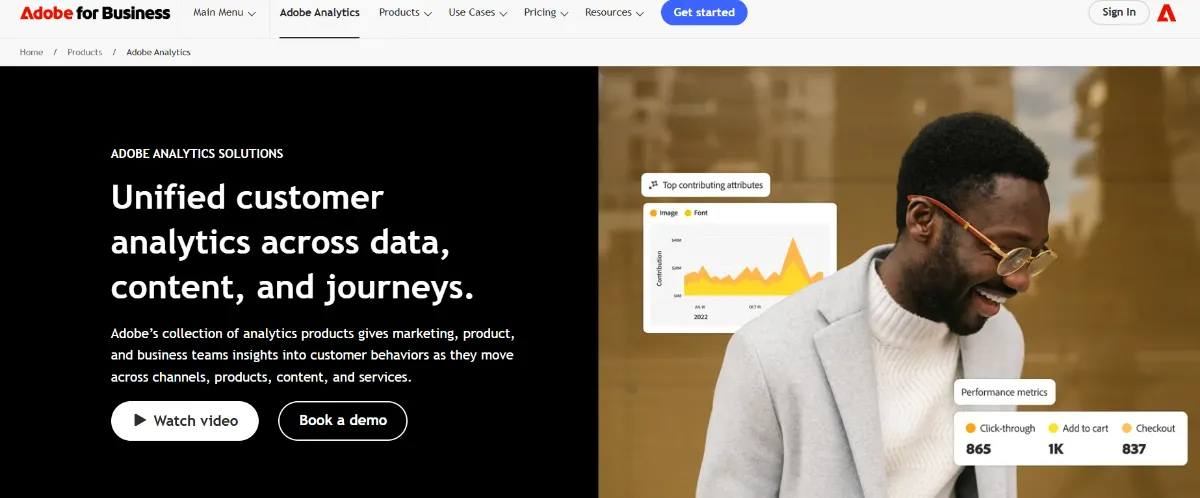
Adobe Analytics offers a robust analytical platform designed for large organizations. It enables real-time insights by providing deep dives into user interactions, campaign performance, and comprehensive reporting. With exceptional customization options, businesses can adapt their analytics to specific needs and leverage integration with other Adobe products to maximize efficiency.
Pros:
Real-time insights
Excellent customization options
Cons:
High costs
Complex setup requiring experienced users
Actionable Advice: Take advantage of Adobe's powerful segmentation features to create targeted marketing campaigns aimed at specific user demographics.
Pricing
Free Plan: No
Paid Plan: Custom pricing
2. Mixpanel
Best for: Product-focused teams
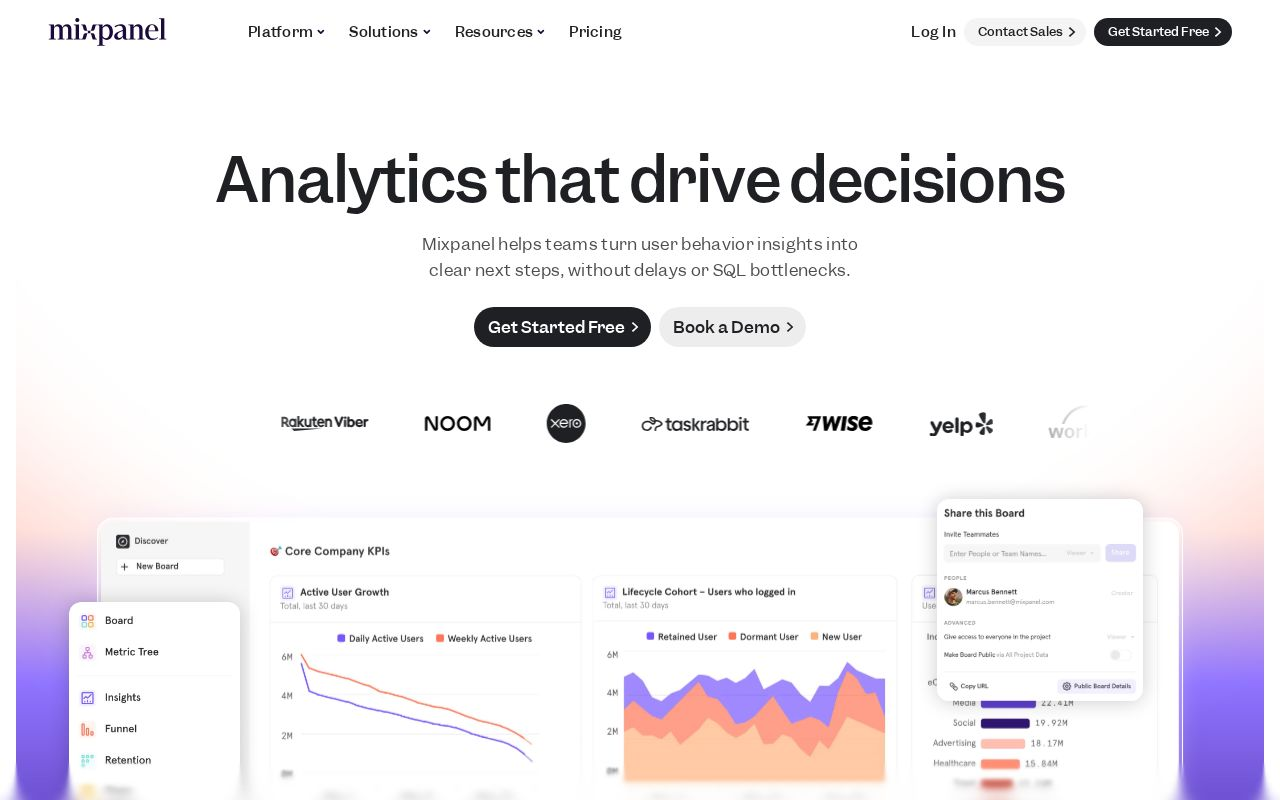
Mixpanel specializes in tracking user interactions with products, making it an ideal choice for teams focused on product development and improvement. The platform allows for detailed event tracking and features robust data visualization tools that help decipher user behavior patterns. With Mixpanel, companies can create custom funnels that visually represent the user journey, facilitating better product decisions.
Pros:
Detailed tracking of user interactions
Easy to visualize data
Cons:
Can become costly as usage scales
More complex than other options for new users
Actionable Advice: Leverage Mixpanel’s cohort analysis features to understand user retention over time and refine product offerings accordingly.
Pricing
Free Plan: Yes
Paid Plan: Starting at $24/month
3. Heap
Best for: Automated event tracking
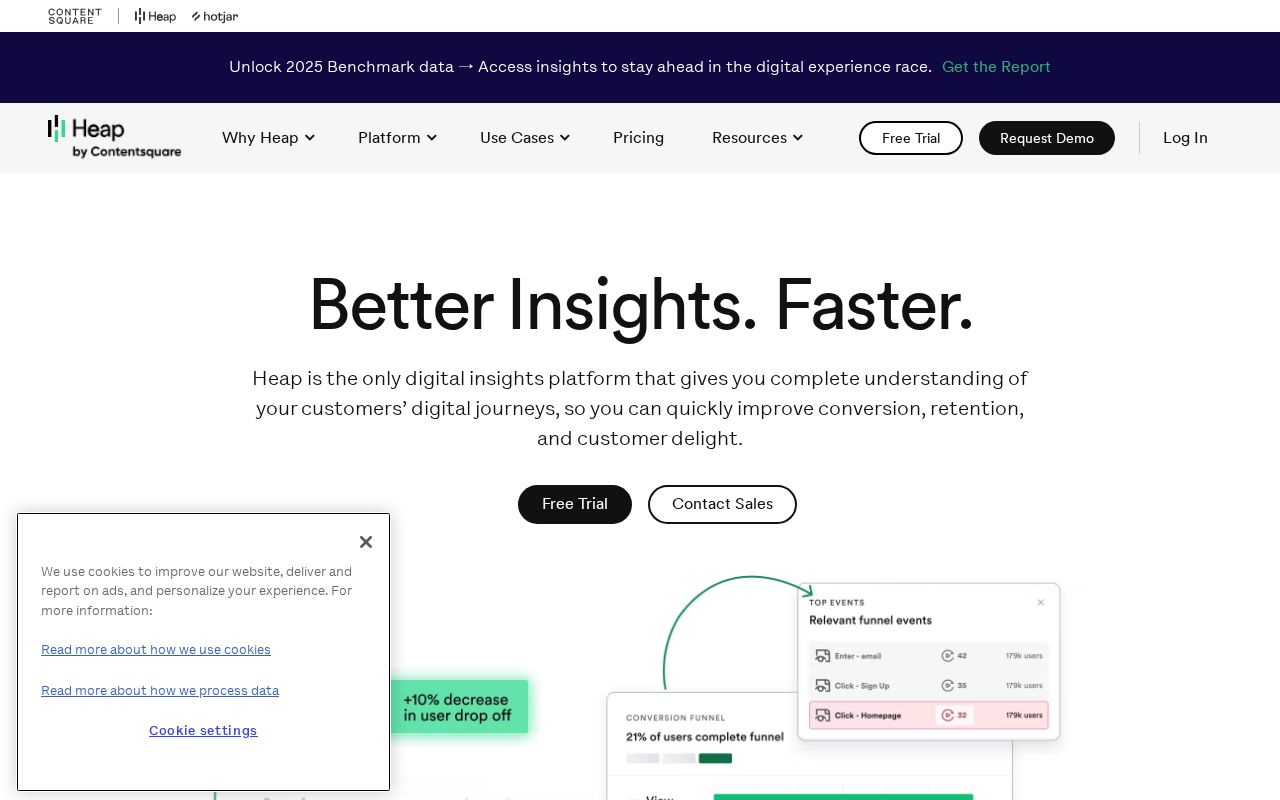
Heap is tailored for teams seeking automated event tracking without the need to manually tag events beforehand. Its retroactive data capture powers accurate analyses, allowing teams to explore user behavior across historical data. This all-encompassing data collection helps to fill in gaps for a complete picture of user interactions over time.
Pros:
Easy to use
Retroactive data capture
Cons:
Requires more technical knowledge for customization
Can be overwhelming for new users
Actionable Advice: Make it a practice to review your Heap setup regularly to ensure all important events are being adequately tracked without unnecessary clutter.
Pricing
Free Plan: Yes
Paid Plan: Starting at $49/month
4. Screaming Frog SEO
Best for: Technical SEO audits and website crawling
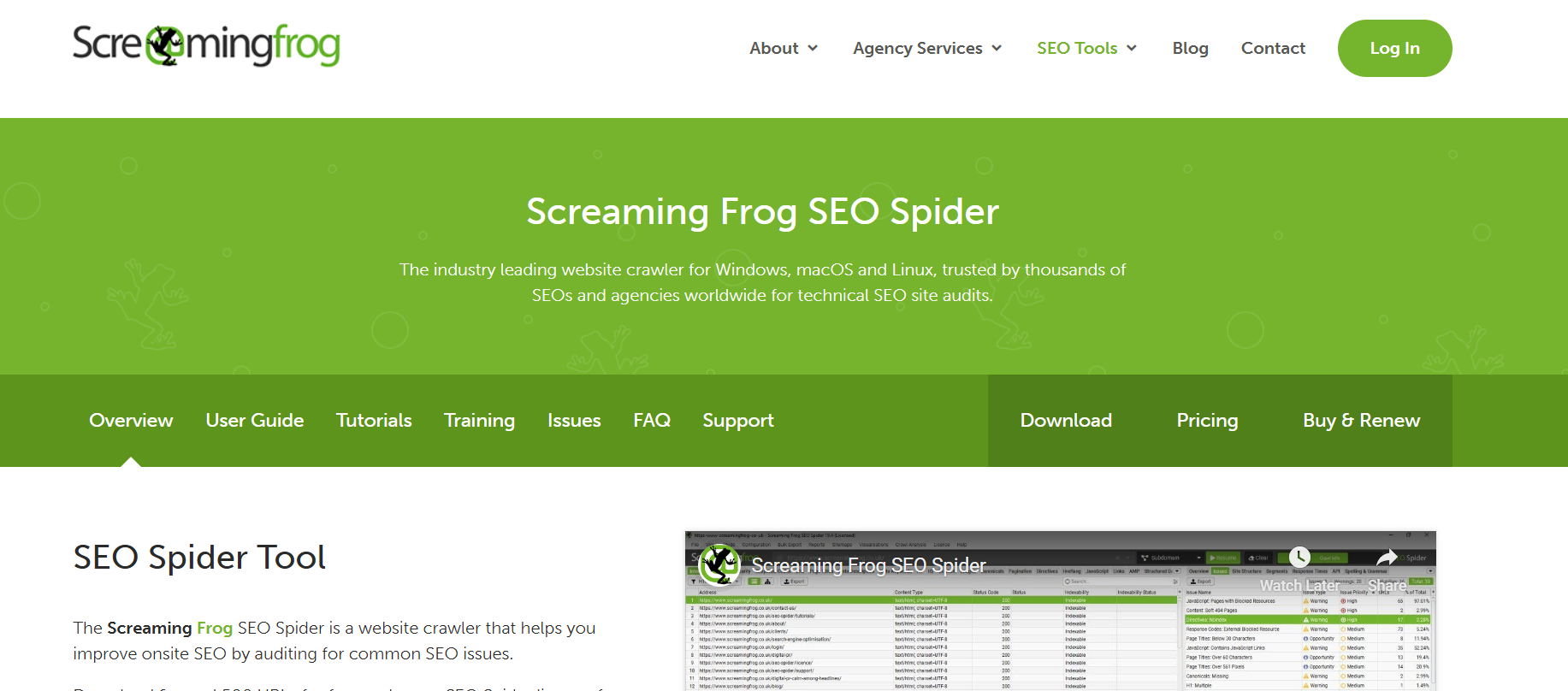
Screaming Frog SEO Spider is a powerful desktop-based SEO tool used to crawl websites and analyze technical SEO issues at scale. It helps marketers and SEO professionals identify problems such as broken links, duplicate content, missing metadata, redirect chains, crawl depth issues, and indexability errors. The tool is especially valuable for large websites that require in-depth technical audits and actionable SEO insights.
Pros:
Excellent for deep technical SEO audits
Identifies crawl, indexing, and on-page SEO issues quickly
Supports integrations with Google Analytics, Search Console, and PageSpeed Insights
Cons:
Desktop-based (requires local system resources)
Steeper learning curve for beginners
Not a traditional web analytics tool
Actionable Advice:
Use Screaming Frog to run regular site crawls after major website updates to catch technical SEO issues before they impact rankings.
Pricing
Free Plan: Yes (up to 500 URLs)
Paid Plan: Starting at £259/year (license-based)
5. Userpilot
Best for: In-App Product Growth & Adoption
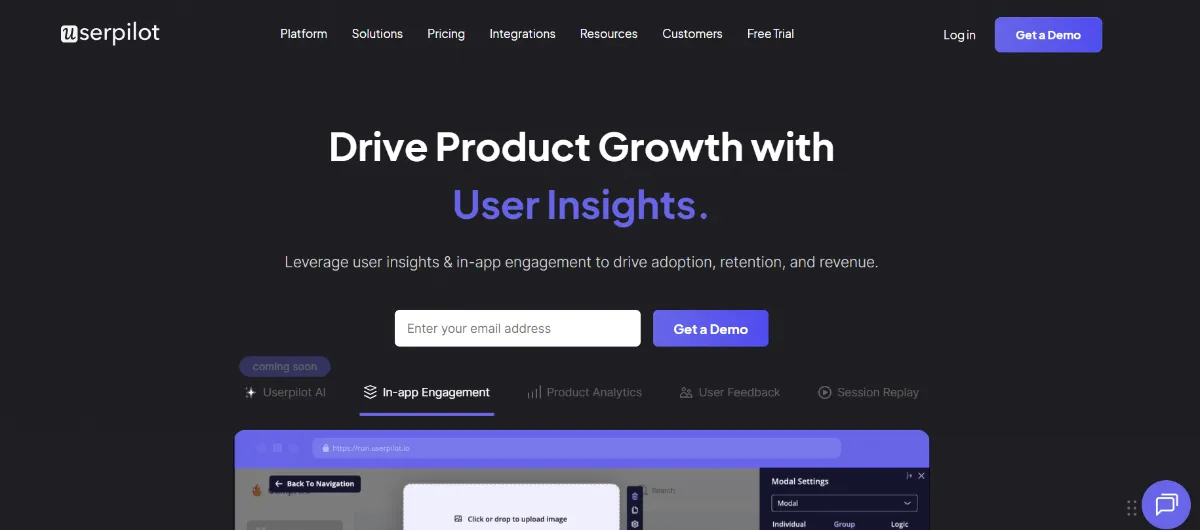
Userpilot is a no-code product growth platform that helps product, customer success, and marketing teams deliver personalized, behavior-driven experiences inside web and mobile apps to boost adoption, engagement, and retention. It empowers teams to create interactive onboarding, feature walkthroughs, checklists, modals, and in-app surveys without engineering support, while also providing analytics to understand user behavior and optimize experiences.
Pros:
Build personalized in-app onboarding flows, walkthroughs, checklists, tooltips, and surveys without code.
Advanced product insights and analytics to track user behavior, feature usage, and engagement.
Behavior-based triggers and segmentation help tailor experiences to different user groups.
Cons:
Pricing scales with monthly active users and can become expensive for larger teams.
Primarily focused on digital product experiences (less coverage for non-digital/on-premise systems).
Actionable Advice: Use Userpilot’s in-app analytics and behavior triggers to tailor onboarding experiences for specific user segments—this helps accelerate activation and improve feature adoption rather than relying on generic walkthroughs.
Pricing
Free Plan: No (demo/free trial available)
Paid Plan: Tiered pricing starting around ~$249/month (Starter) with Growth and Enterprise options
6. Fathom
Best for: Simplicity without invasive tracking
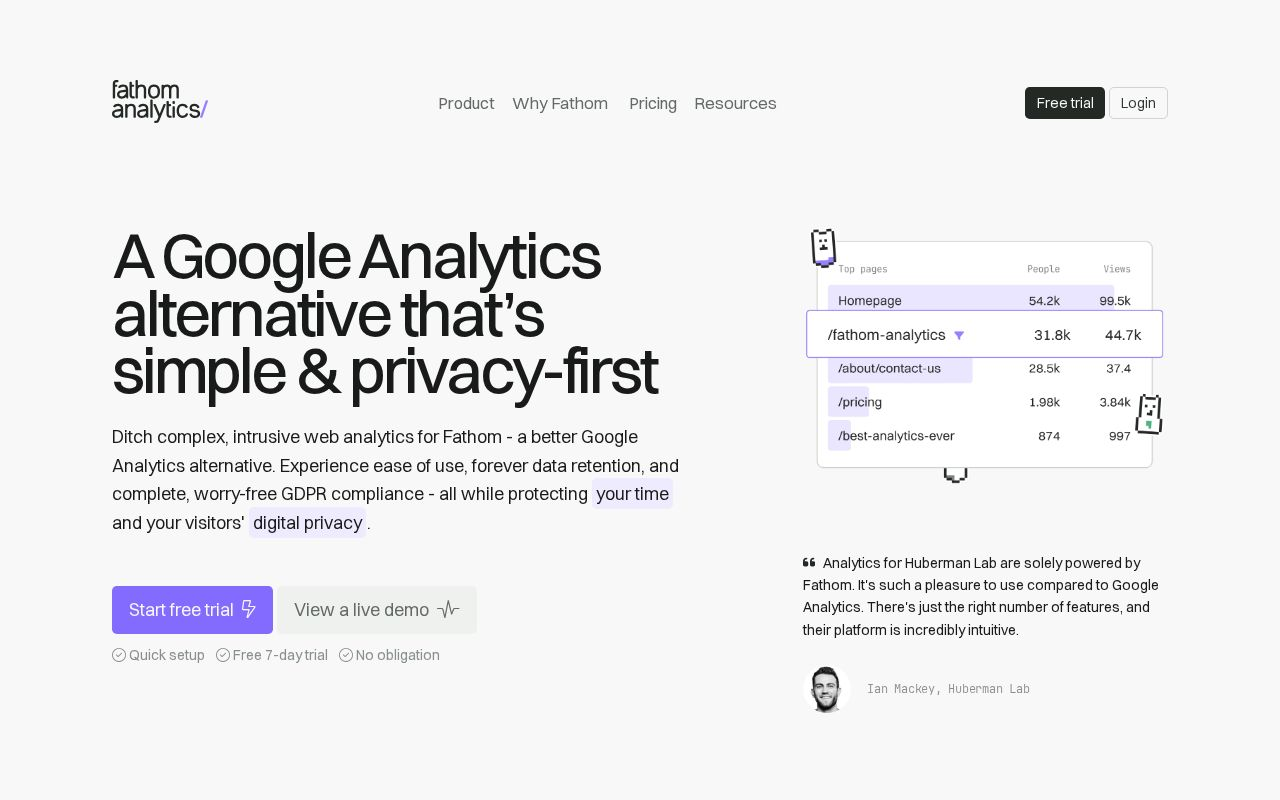
Fathom is outputting a lean analytics solution emphasizing privacy. Its ease of integration makes it appealing to small businesses that require straightforward analytics without invasive tracking methods. With a focus on speed and user experience, Fathom's platform simplifies the insights gathered from web traffic.
Pros:
Easy to integrate
Privacy-friendly
Cons:
Lacks advanced features of bigger tools
Limited support options
Actionable Advice: Use Fathom if you're looking for a quick, straightforward way to monitor website performance without the complication of privacy concerns.
Pricing
Free Plan: Yes
Paid Plan: Starting at $14/month
7. Woopra
Best for: Customer engagement tracking
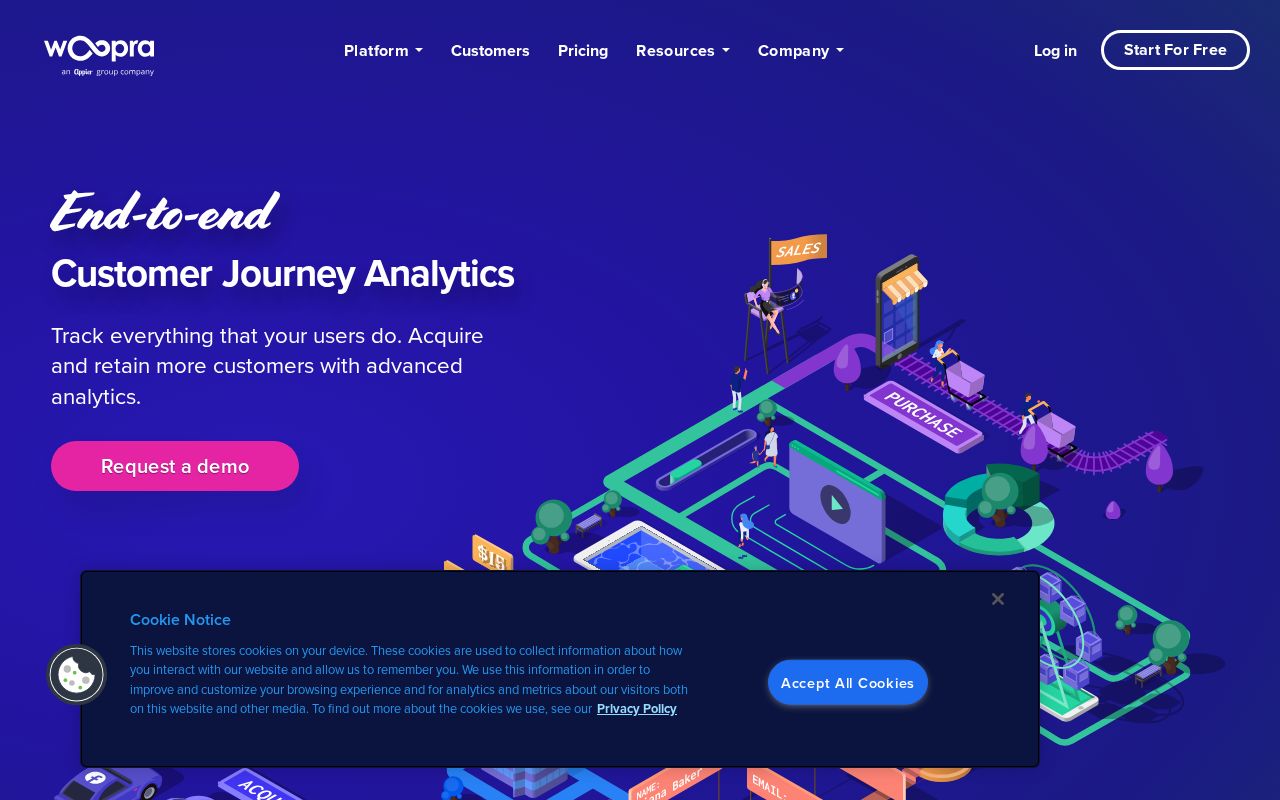
Woopra offers a comprehensive view of customer engagement across various platforms. By integrating data from multiple sources, this platform delivers real-time analytics that highlight user activities and engagement levels. Woopra also provides tools for creating automated reports and segmentation, which can be beneficial for targeted marketing strategies.
Pros:
Real-time data tracking
Intuitive user experience
Cons:
Limited data history in certain plans
Can require some setup for integration
Actionable Advice: Take advantage of Woopra’s engagement tracking features to refine your customer interactions based on real-time data insights.
Pricing
Free Plan: Yes
Paid Plan: Starting at $79/month
8. Clicky
Best for: Real-time analytics with simplicity
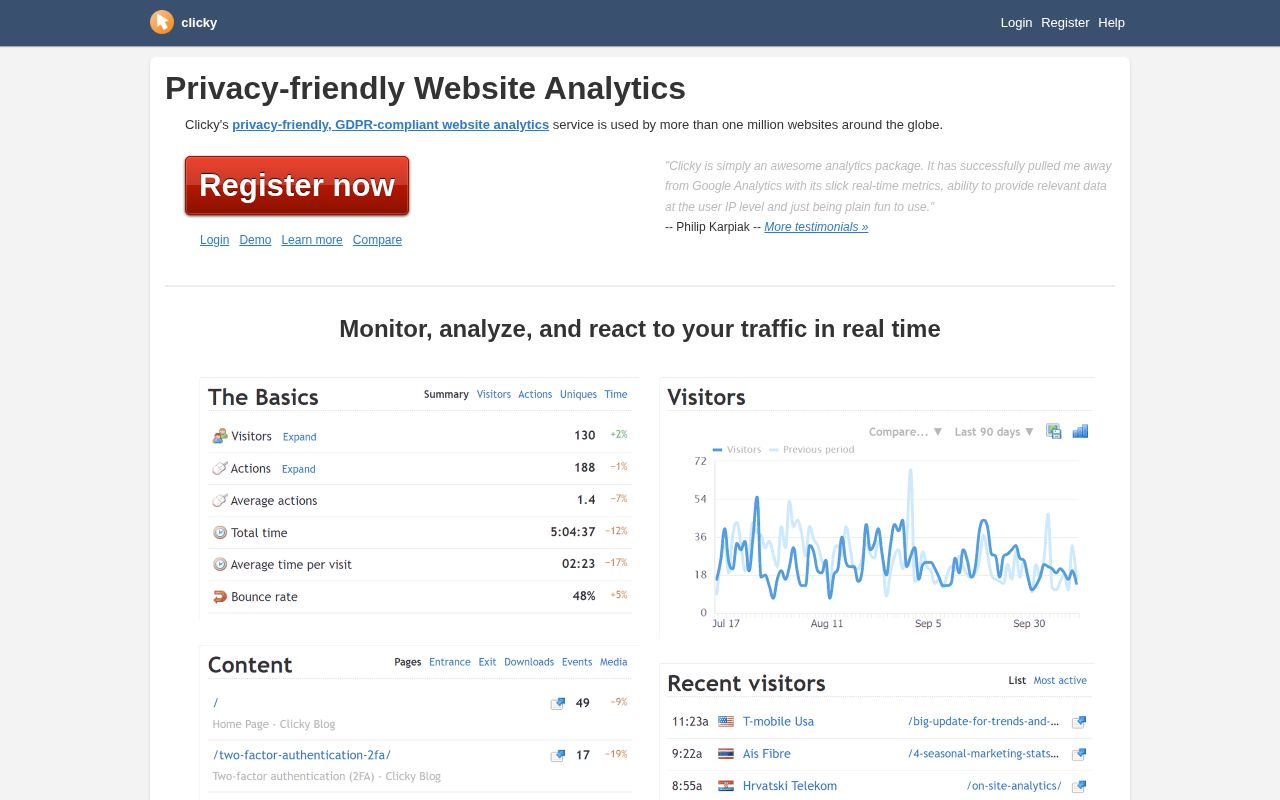
Clicky is known for providing real-time analytics in a user-friendly interface, making it an attractive choice for small to medium-sized businesses. This tool allows users to view audience interactions instantaneously and even includes features like heatmaps for better analysis of user movements and behaviors on the site.
Pros:
Good usability
Heatmaps available for user behavior analysis
Cons:
The free version has limitations
Basic features may not meet advanced analytics needs
Actionable Advice: Utilize Clicky’s heatmaps to visualize where users click the most, helping you adjust design elements for better engagement.
Pricing
Free Plan: Yes
Paid Plan: Starting at $9.99/month
9. PageSpeed Insights
Best for: Performance measurement and page speed optimization
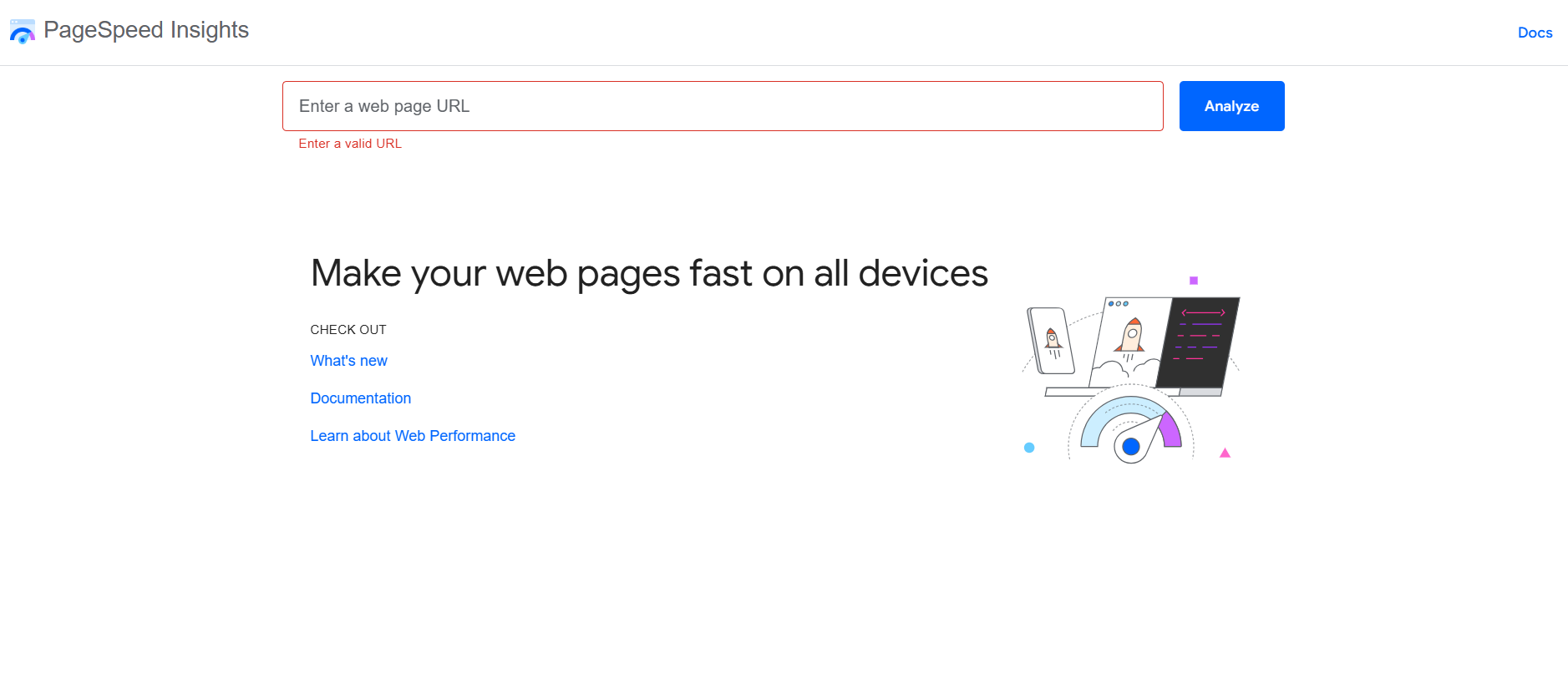
PageSpeed Insights (PSI) is a free, easy-to-use tool from Google that analyzes how quickly your web pages load on mobile and desktop devices. It provides performance scores along with actionable suggestions to improve page speed — such as optimizing images, minimizing JavaScript, leveraging browser caching, and eliminating render-blocking resources. Because page speed directly impacts user experience and search rankings, PSI is essential for any SEO, web dev, or digital marketing workflow.
Pros:
Completely free to use
Provides real-time performance scores and diagnostics
Offers clear, prioritized recommendations
Helps improve user experience and SEO performance
Cons:
Not a full web analytics platform — focused on performance metrics
Doesn’t track user behavior, traffic, or conversions
Requires technical knowledge to implement some suggestions
Actionable Advice:
Use PageSpeed Insights regularly — especially after site updates — to catch performance regressions early. Prioritize high-impact recommendations (like optimizing images and reducing JavaScript payloads) before moving to lower-impact items.
Pricing
Free Plan: Yes (100% free)
Paid Plan: N/A
10. Crazy Egg
Best for: Visual insights into user behavior
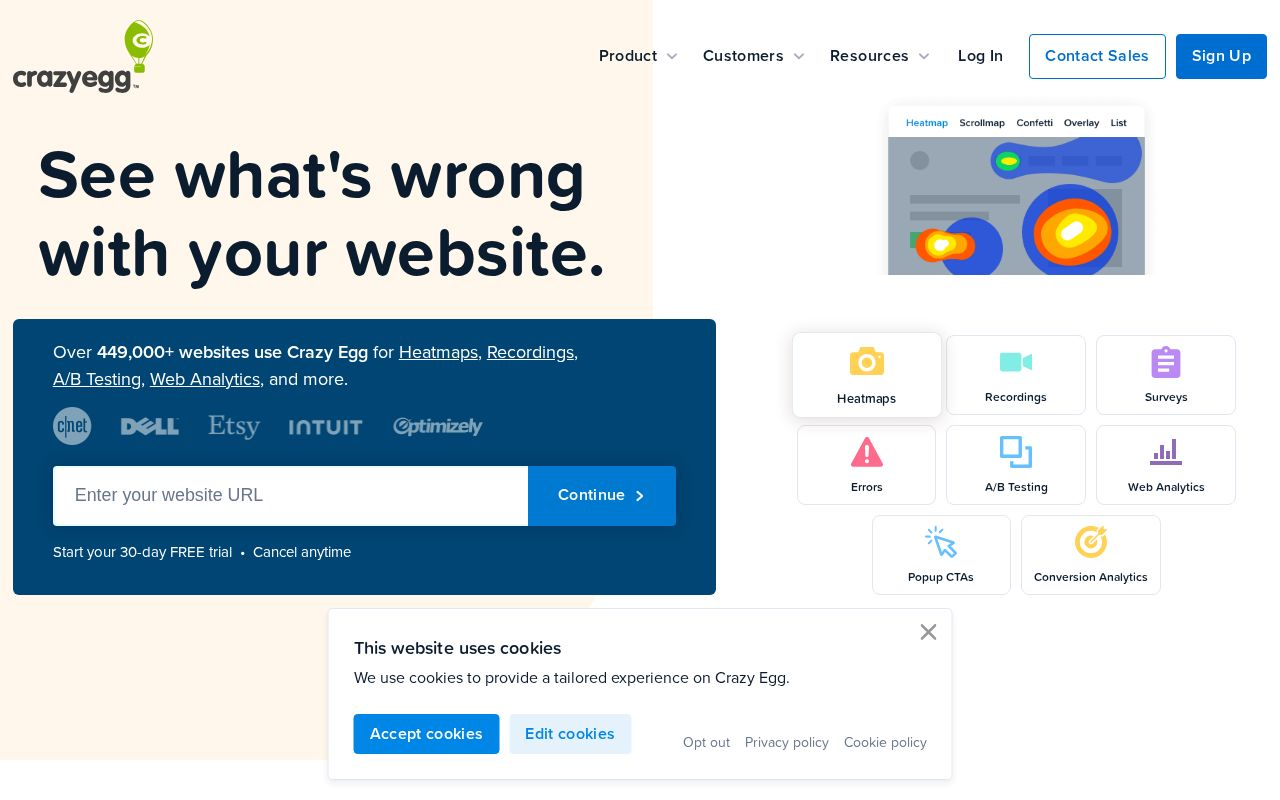
Crazy Egg excels in delivering visual insights through heatmaps, scroll maps, and A/B testing. These features are particularly beneficial for website optimization, as they provide a clear view of how users interact with different elements on a page, thus helping in making data-driven design decisions.
Pros:
Excellent heatmaps
Great for A/B testing capabilities
Cons:
Purely focused on visual data
Limited tracking capabilities beyond visuals
Actionable Advice: Use Crazy Egg to enhance your UX/UI by analyzing heatmaps to see user movement trends and adjusting layout accordingly.
Pricing
Free Plan: Yes
Paid Plan: Starting at $24/month
11. KISSmetrics
Best for: Understanding customer lifecycle and behavior
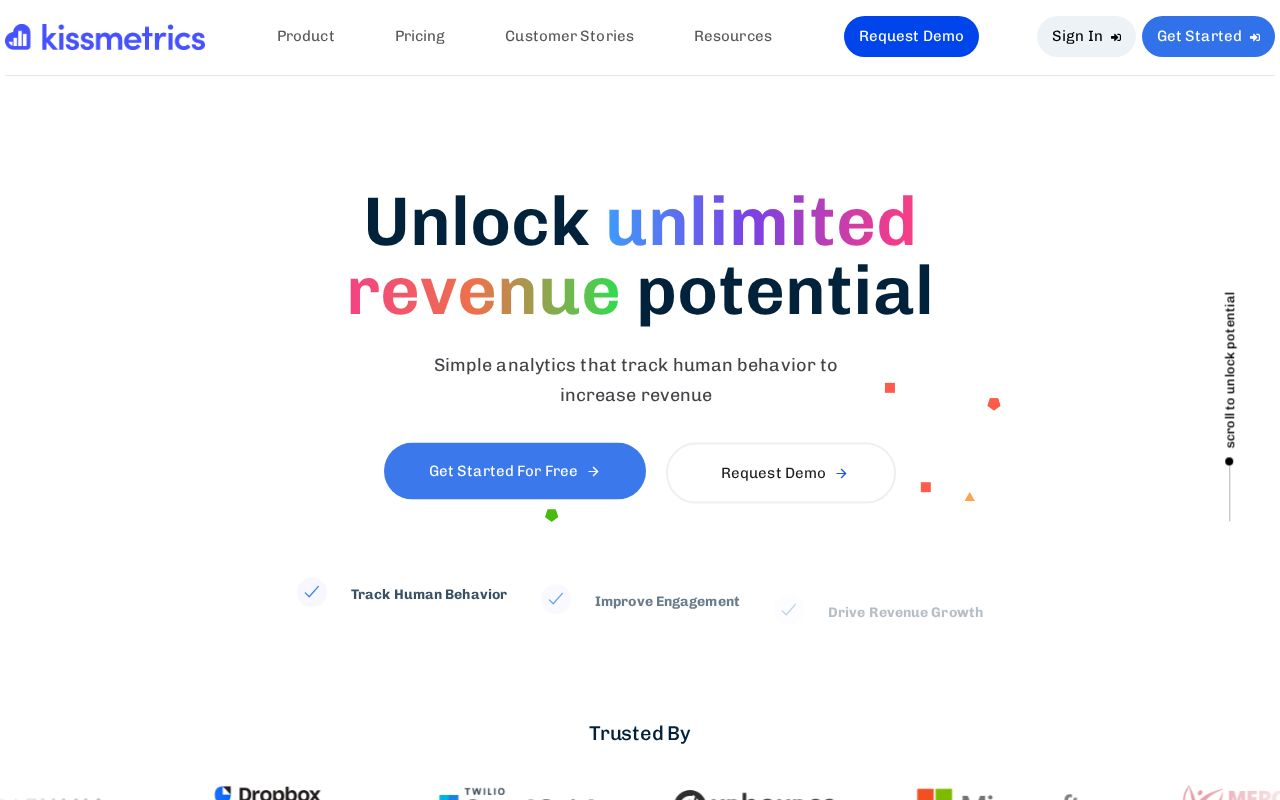
KISSmetrics provides in-depth analytics that are particularly useful for ecommerce businesses looking to understand customer behavior across their entire lifecycle. With a visual focus on user funnels and cohorts, KISSmetrics helps businesses gather actionable insights for optimized marketing.
Pros:
Excellent for ecommerce tracking
Strong focus on actionable insights
Cons:
Can be complex to navigate and set up
Steeper learning curve for new users
Actionable Advice: Take advantage of the funnel analysis to identify where users drop off during the purchasing process, enabling you to refine strategies accordingly.
Pricing
Free Plan: No
Paid Plan: Custom pricing.
12. Visual Website Optimizer (VWO)
Best for: Conversion rate optimization (CRO) and user experience testing
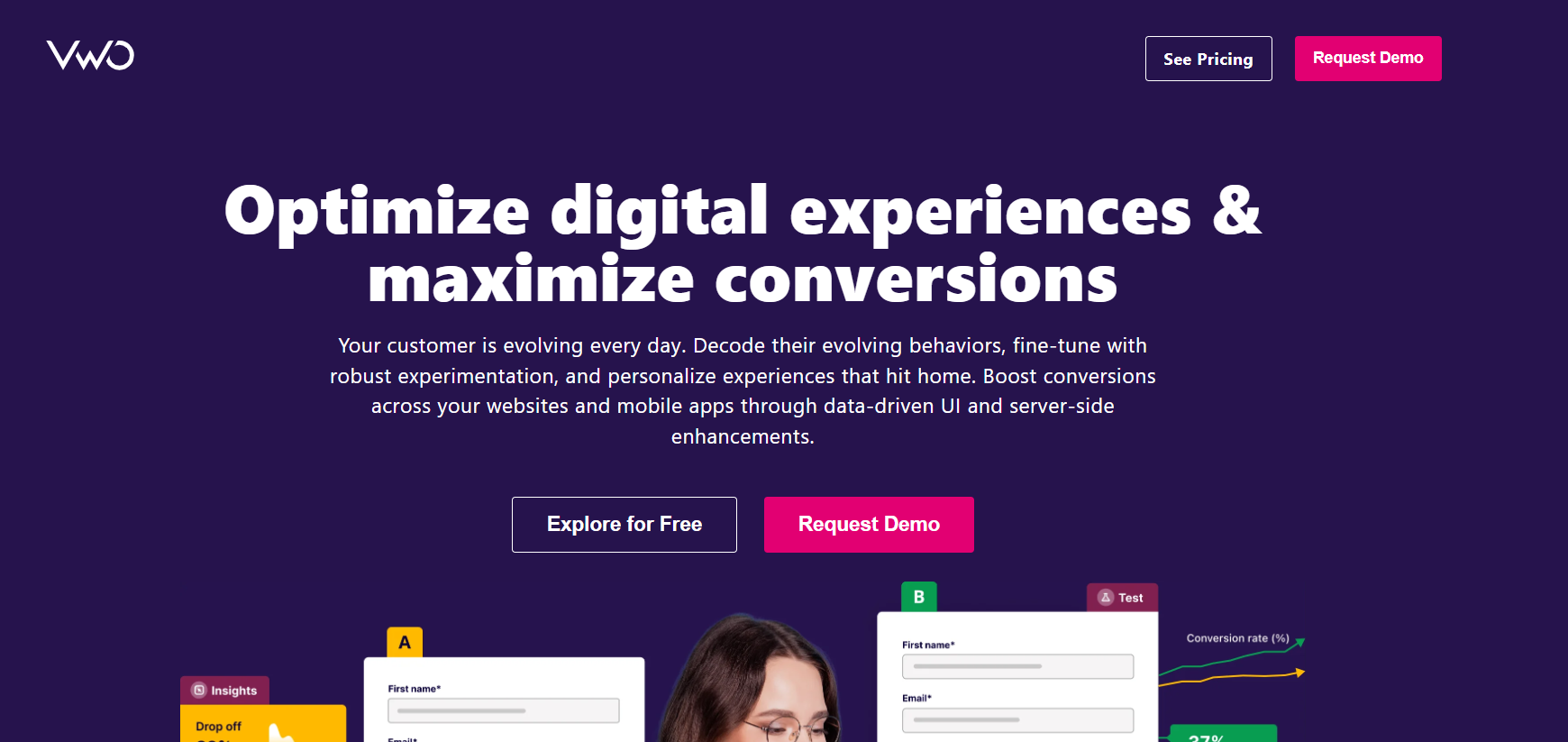
Visual Website Optimizer (VWO) is a powerful experimentation and optimization platform designed to help businesses improve website conversions through A/B testing, multivariate testing, heatmaps, session recordings, and behavioral insights. It enables teams to test different page variations, understand user behavior, and make data-driven decisions to enhance engagement and conversions without relying heavily on developers.
Pros:
Strong A/B and multivariate testing capabilities
Heatmaps and session recordings for UX insights
User-friendly visual editor
Suitable for marketing and product teams
Cons:
Pricing can be high for small businesses
Not a traditional traffic analytics tool
Advanced experiments may require technical support
Actionable Advice:
Start with simple A/B tests on high-traffic landing pages (headlines, CTAs, layouts) and use VWO’s heatmaps to understand why users behave the way they do before scaling experiments.
Pricing
Free Plan: No (free trial available)
Paid Plan: Starts at approximately $99/month (pricing varies by traffic and features)
13. PostHog
Best for: Open-source product analytics
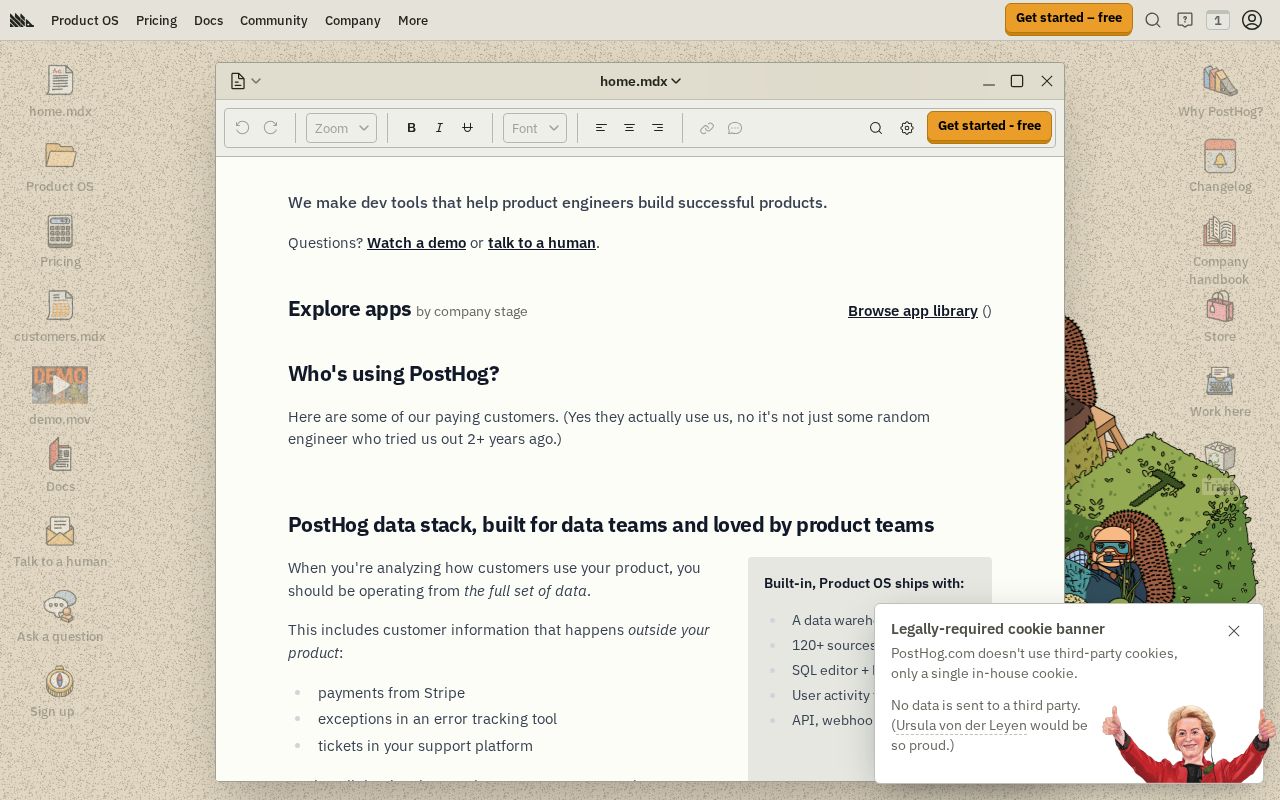
PostHog is an open-source product analytics tool that not only allows for unlimited data capture but also features session recordings and heatmaps. This flexibility gives teams a comprehensive view of user interactions without facing limits on storage.
Pros:
Automated event tracking
Session replay functionality
Cons:
Requires technical expertise for self-hosting
Initial setup can be complex
Actionable Advice: Use PostHog’s open-source features to customize analytics tracking according to your product’s specific requirements.
Pricing
Free Plan: Yes
Paid Plan: Free for self-hosted
14. Plausible
Best for: Lightweight analytics focused on privacy

Plausible provides a minimal, privacy-centric analytics solution that neither collects personal data nor uses cookies. It's easy to understand and presents data in a simple format, making it great for users seeking straightforward insights without the intricacies of large platforms.
Pros:
No cookies
Fast performance and easy to use
Cons:
May lack features found in larger tools
Limited in-depth analysis of user behavior
Actionable Advice: Use Plausible to maintain compliance with privacy laws and monitor key metrics without overcomplicating your data analysis.
Pricing
Free Plan: Yes
Paid Plan: Starting at $6/month
15. Matomo
Best for: Open-source analytics with data ownership
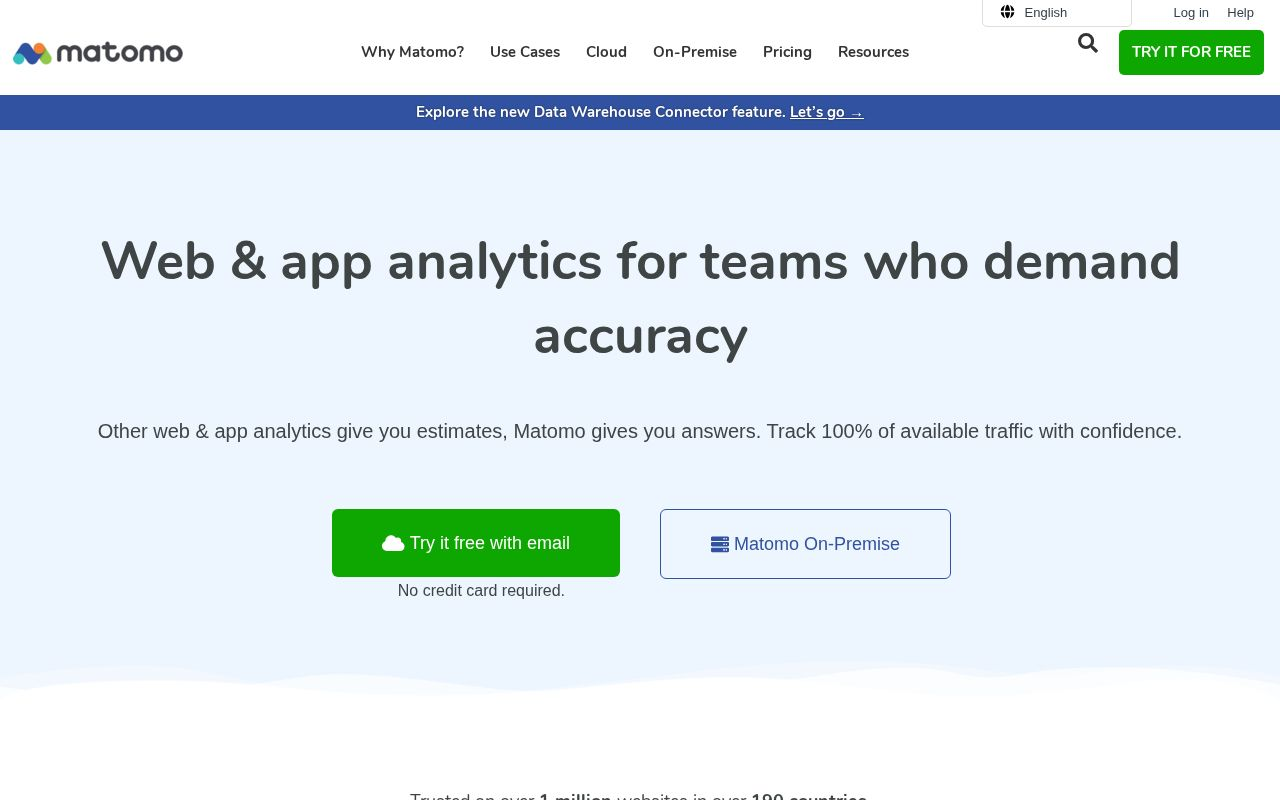
Matomo is a comprehensive open-source web analytics platform that emphasizes user privacy and gives organizations complete control over their data. Companies can choose to self-host or use Matomo's cloud services depending on their needs, making it versatile.
Pros:
Highly customizable
Self-hosting options available
Cons:
More complex setup process
Requires ongoing maintenance if self-hosted
Actionable Advice: Use Matomo for enhanced data privacy and practice regular updates for optimal performance and security.
Pricing
Free Plan: Yes
Paid Plan: Free for self-hosted
16. PaveAI
Best for: Turning analytics data into actionable business insights
PaveAI is an AI-powered analytics conversion tool that connects to your analytics platforms (like Google Analytics, Facebook Ads, and others) and transforms raw data into actionable, narrative-style reports. It saves marketers and business owners time by turning complex data into clear recommendations for growth, optimization, and strategic decisions — without requiring deep analytics expertise.
Pros:
Uses AI to interpret analytics data at scale
Converts data into clear business recommendations
Good for non-technical users and decision-makers
Works with multiple data sources
Cons:
Relies on connected data sources (not a standalone analytics platform)
Outputs depend on the quality of input data
Not focused on real-time tracking or direct event monitoring
Actionable Advice:
Use PaveAI to generate weekly or monthly insights reports that highlight where to optimize your marketing campaigns, customer funnels, or acquisition efforts — especially if you don’t have a dedicated analytics team.
Pricing
Free Plan: No (free trial varies by promotion)
Paid Plan: Subscription pricing (varies by business size and data sources)
Why AI Search Visibility Belongs Alongside Web Analytics
None of the 16 tools above measure whether AI engines like ChatGPT, Perplexity, or Google AI Overviews are citing your brand when someone asks a question in your category. That's a different data source than web analytics tracks, and it matters most for B2B SaaS and cybersecurity teams, where buyers increasingly research vendors inside an AI assistant before a single session ever shows up in Mixpanel, Heap, or GA4.
Traditional web analytics tells you what happened after a visitor landed on your site. AI visibility tracking tells you whether you showed up in the answer that sent them there in the first place, or whether a competitor did instead. GrackerAI builds that second layer specifically for cybersecurity and B2B SaaS brands, pairing AI citation monitoring with content built to close the gaps it finds. If your team is already moving beyond spreadsheets for reporting, our look at why cybersecurity marketing teams are moving beyond Excel for data analysis covers the adjacent shift on the reporting side.
Frequently Asked Questions
Why should I consider alternatives to Google Analytics?
Alternatives offer improved privacy, customizable features, and often provide a better user experience and data ownership.
Are these tools suitable for small businesses?
Many of the tools listed, like Fathom and Clicky, are designed to cater to small and medium enterprises by being cost-effective and user-friendly.
What are the main advantages of using privacy-centric analytics tools?
They comply with regulations like GDPR and CCPA, offering companies greater control over data collection, storing, and sharing.
Can these tools provide real-time analytics?
Yes, tools like Mixpanel, Fathom, and Woopra provide real-time analytics to help you respond quickly to user behavior.
How do I choose the right analytics tool for my needs?
Assess your specific requirements around data privacy, user insights, budget, and ease of use to select the tool that best matches your needs.
Conclusion
Choosing the right web analytics tool in 2026 is no longer just a technical decision—it’s a strategic one. As this overview of the top 16 web analytics tools shows, today’s platforms offer a wide range of capabilities, from privacy-first tracking and product analytics to performance optimization and AI-driven insights. Each tool serves a different purpose, making it essential to align your choice with your business goals, technical resources, and data privacy requirements.
With growing emphasis on data ownership, compliance, and actionable insights, businesses can no longer rely on a one-size-fits-all analytics approach. Investing in the right analytics tools empowers teams to make informed decisions, optimize user experiences, and drive sustainable growth in an increasingly data-driven digital landscape.
Picking the right tool is only half of it — the team using it also needs to know how to read what it's telling them. See how data analytics skills sharpen content marketing work for the skill side of that equation.
![10 Best Local Rank Tracker Tools: In-Depth Comparison Guide [2025]](https://cdn.pseo.one/6abcb68a626591c40e1c8aa6/687e1c1ef6fe799d288518df/68809c373eb8562bcf68975d/10-best-local-rank-tracker-tools-comparison-guide/feature-image.jpg)