
Search Intent

Ankit Agarwal · Head of Marketing
Search intent is the goal behind a query: to learn, find a site, compare options or take action. Matching it decides whether a page can rank and satisfy users.
What is Search Intent?
Search intent, also called user intent, is the goal behind a search query: what the person actually wants to accomplish. They might want to learn something, reach a specific website, compare options before buying, or complete an action. Matching intent is the single biggest factor in whether a page can rank and satisfy searchers.
Google’s systems try to understand the meaning and intent of a query before ranking pages. Its Search Quality Rater Guidelines describe intent categories such as Know, Do, Website and Visit-in-person, and evaluate whether results meet the user’s need.
How it works
| Intent | Goal | B2B SaaS example | Best content format |
|---|---|---|---|
| Informational | Learn | what is zero trust | Guide, definition, explainer |
| Navigational | Reach a site | okta admin login | Brand or product page |
| Commercial investigation | Compare | best zero trust vendors | Comparison, list, reviews |
| Transactional | Act | zero trust demo | Pricing, demo or signup page |
How to identify intent:
- Search the keyword in a clean browser on mobile and desktop.
- Note the dominant content type, format and angle among top results.
- Check SERP features: AI Overviews and People Also Ask suggest informational needs; ads and review sites suggest commercial intent.
- Map the keyword to the page type that fits, or create one.
Examples
- A cybersecurity vendor tries to rank its product page for “what is SASE.” The SERP is all educational guides. A separate, vendor-neutral explainer with a link to the product works better.
- A DevTools company’s “best feature flag tools” query shows comparison articles. Publishing an honest comparison that includes competitors earns rankings the product page never would.
- For example, if “SOC 2 checklist” results are all downloadable templates, a 3,000-word essay is the wrong format even if it is excellent.
Best practices
- Map each priority keyword to one intent and one page.
- Answer the core need in the first paragraph, then go deeper.
- For mixed intent, cover the dominant need and link to pages for the others.
- Use sales and support questions to understand intent behind B2B queries.
Common mistakes
- Forcing product pages to rank for informational queries.
- Writing one page for every keyword variant with the same intent.
- Ignoring that intent differs by funnel stage and persona.
Search intent and AI search
AI assistants receive full, conversational prompts that often state intent explicitly (“compare X and Y for a 50-person team”). Content structured around clear intents, with direct answers, comparisons and specifics, is easier for AI engines to match to those prompts. See the answer engine optimization guide.
Related terms
Sources
Frequently asked questions
What are the four types of search intent?
Informational (learn something, e.g. 'what is SBOM'), navigational (reach a specific site, e.g. 'GitHub login'), commercial investigation (compare options, e.g. 'best SBOM tools') and transactional (act now, e.g. 'SBOM tool free trial'). Many queries mix intents. Identify the dominant intent before choosing a format.
How do you determine search intent?
Search the query and study the results: content types (guides, product pages, lists), formats (video, tables), SERP features (AI Overviews, shopping, local) and the angle (beginner, enterprise, current year). Search Console queries and sales conversations add context. The results Google already shows are the best evidence of what it believes the searcher wants.
Can intent change over time?
Yes. Intent shifts when markets mature, news happens or Google learns more from user behavior. A query that once showed definitions may later show vendor comparisons. Recheck SERPs for priority keywords periodically. Update or restructure content when you see such a shift.
Guides that cover Search Intent
-
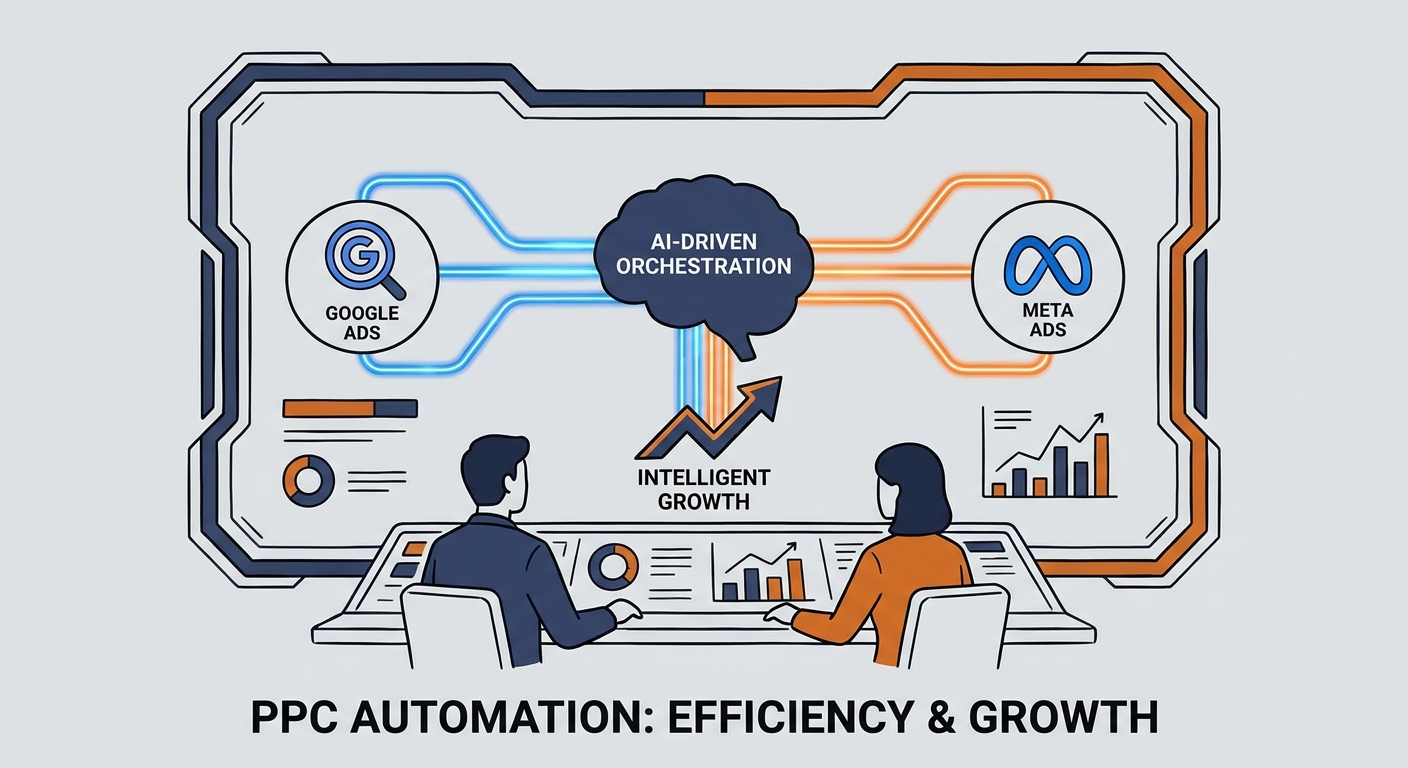
5 Amazing Ppc Automation Tools for Growth Hackers
5 Amazing Ppc Automation Tools for Growth Hackers
-
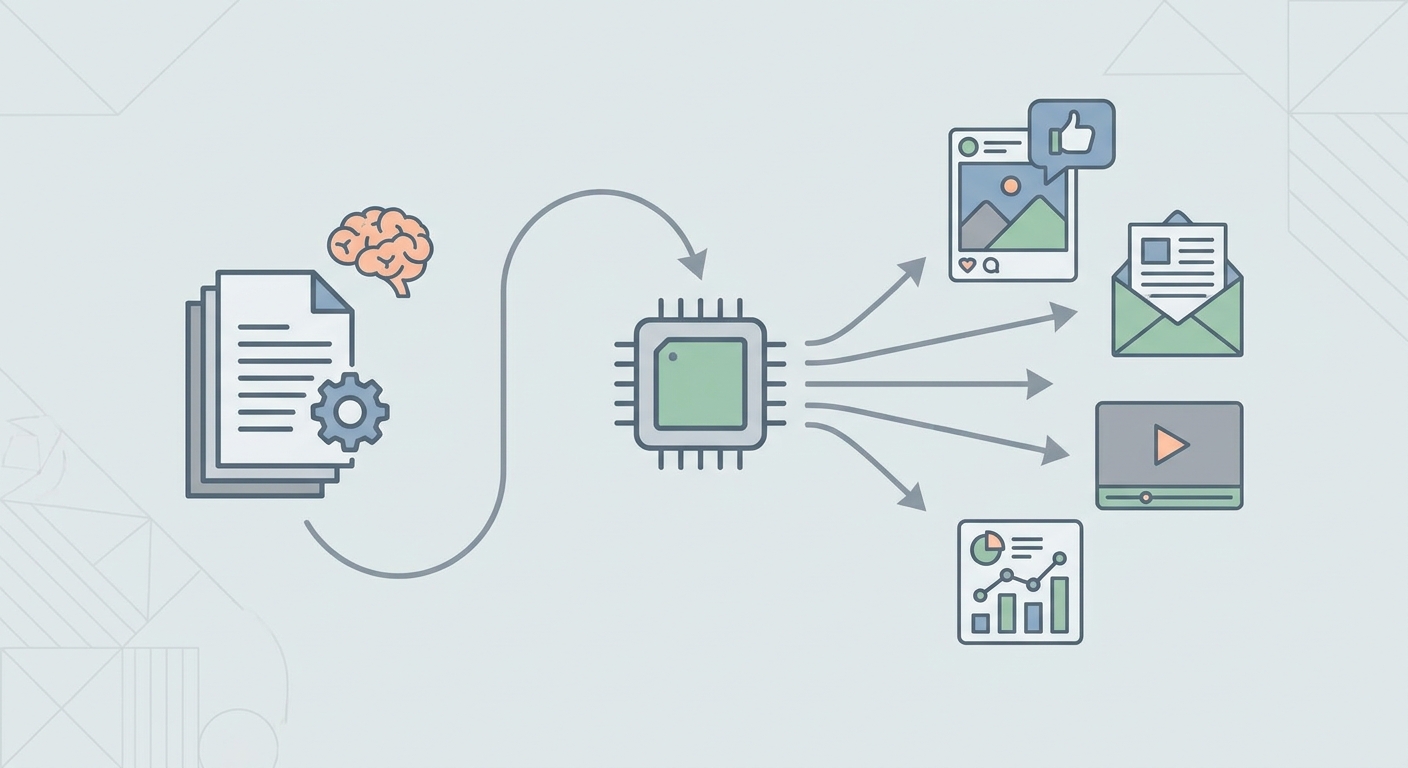 AI content repurposing
How AI Content Teams Repurpose Documents Into Marketing Assets
Learn how AI content teams repurpose documents into marketing assets to scale content production, improve reach, and boost engagement.
-
 AI content strategy
Why Most AI Content Strategies Fail - and What Data-Driven Teams Do Differently
Learn why most AI content strategies fail and how data-driven teams use insights, analytics, and optimization to drive real growth.
-
 AI search intent
How AI Is Improving the Way We Understand Search Intent
Discover how AI is improving search intent understanding, helping marketers create better content and optimize SEO strategies effectively.







