
Search Engine Results Page

Ankit Agarwal · Head of Marketing
A search engine results page (SERP) is what a search engine shows after a query: organic results, ads and features like AI Overviews and featured snippets.
What is a Search Engine Results Page?
A search engine results page (SERP) is the page a search engine such as Google or Bing displays after a user enters a query. It combines organic results, paid ads and special features like AI Overviews, featured snippets, People Also Ask boxes, local packs and video carousels. Each SERP is assembled for the specific query, location and device.
Early SERPs were “ten blue links.” Today the layout varies widely by query type, and the first organic result can sit far down the page. Understanding the SERP is therefore as important as understanding your ranking.
How it works
Common SERP elements:
| Element | What it is |
|---|---|
| Organic results | Unpaid listings with title link, URL and snippet |
| Ads | Paid placements, labeled “Sponsored” |
| AI Overview | Generated summary with links to sources |
| Featured snippet | Extracted answer from one page |
| People Also Ask | Expandable related questions |
| Local pack | Map with nearby businesses |
| Knowledge panel | Entity facts from the Knowledge Graph |
| Video, image, news | Carousels for media and fresh content |
Google also offers AI Mode, a separate conversational search experience, which shows generated answers with links rather than a traditional SERP.
Examples
- A search for “what is CSPM” shows an AI Overview, a People Also Ask box and then organic definitions. A cybersecurity vendor’s best play is a concise, quotable definition plus depth that earns citation.
- “Best CSPM tools” shows listicles and review sites, signaling commercial investigation intent. A vendor product page is unlikely to rank; a comparison page or presence on review sites fits better.
- “Datadog pricing” shows the official pricing page first, a navigational pattern where brand pages dominate.
Best practices
- Search your target queries in an incognito window, on mobile and desktop, before writing.
- Match the dominant format (guide, list, comparison, tool) you see ranking.
- Optimize titles and meta descriptions for click-through, since Google may rewrite them but often uses them.
- Track SERP features for priority keywords, not just positions.
- Use structured data where Google supports relevant rich results.
Common mistakes
- Assuming position 1 means most clicks when an AI Overview and ads sit above it.
- Targeting a commercial keyword with an informational page, or the reverse.
- Treating one personalized search as representative.
SERPs and AI search
The SERP is now partly an AI surface. Google says pages must be indexed and eligible to show a snippet to be used in AI Overviews and AI Mode, and no special markup is required. Being cited in the AI Overview can matter as much as ranking below it. See Google AI Overviews optimization.
Related terms
Sources
Frequently asked questions
What are the main parts of a Google SERP?
Paid ads at the top and bottom, organic results (title, URL, snippet), and SERP features such as AI Overviews, featured snippets, People Also Ask, knowledge panels, local packs, image and video carousels, and Top stories. Which ones appear depends on the query.
Are SERPs the same for everyone?
No. Results vary by location, language, device and sometimes personal settings and history. That is why rank tracking tools specify a location and device, and why Search Console reports average position. Check results from your buyers' main markets and devices.
How do AI Overviews change the SERP?
AI Overviews place a generated summary with source links above or among organic results for many informational queries. They can answer the question without a click, so being one of the cited sources has become an important visibility goal. Google says no special markup is required to be eligible.
Guides that cover Search Engine Results Page
-
 programmatic SEO
Is Your Startup Ready for pSEO? A Checklist for High-Growth Companies
Stop wasting cash on manual content. Use this checklist to determine if your startup has the data maturity to dominate with programmatic SEO (pSEO) in 2026.
-
 track brand mentions in ai search
How to Track Brand Mentions in AI Search (Complete 2026 Guide)
Stop measuring clicks. Learn how to track 'Share of Model' (SoM) and monitor your brand mentions in AI search engines like ChatGPT and Perplexity.
-
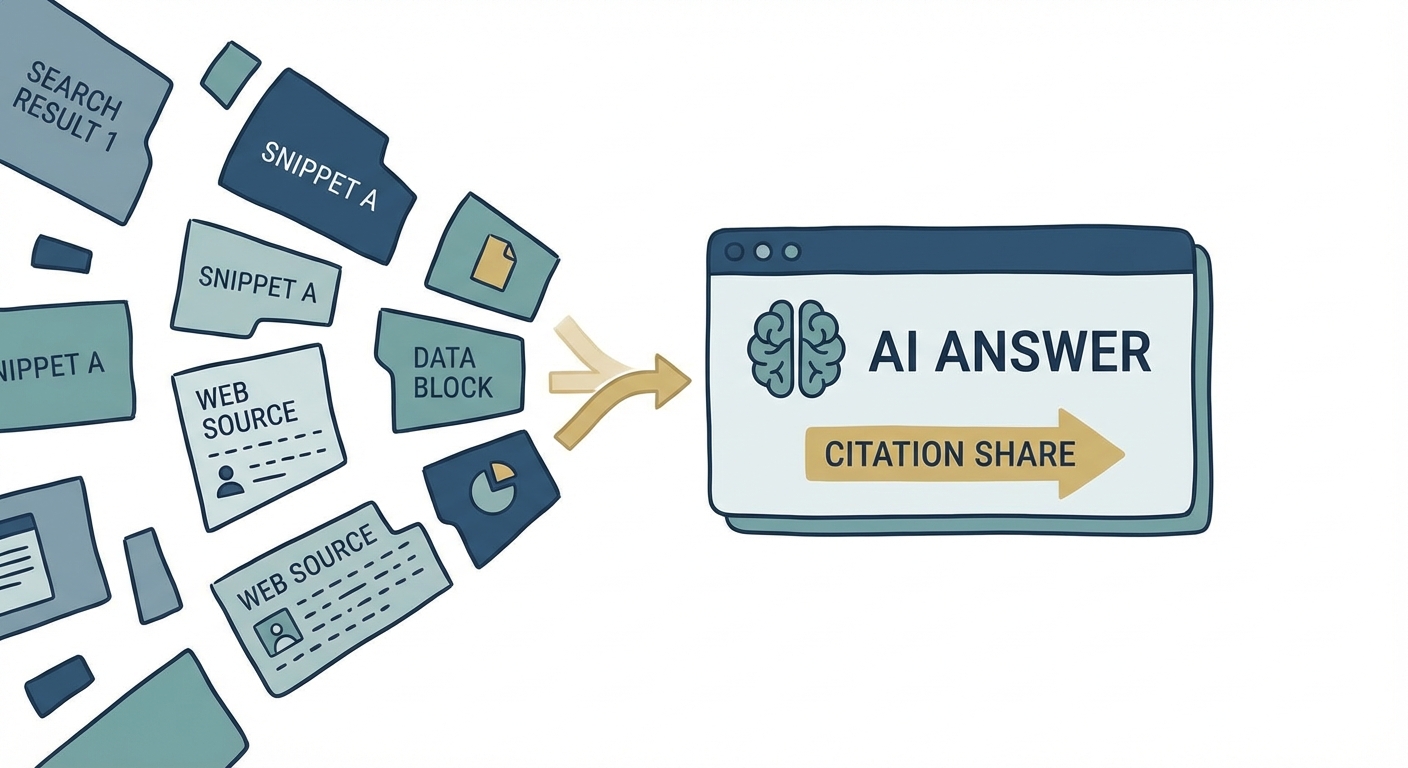 perplexity seo
Perplexity Rank Tracking: Tools to Monitor Your Visibility
Stop chasing Google rankings. Learn how to track your 'Citation Share' in Perplexity and discover the best tools to monitor your brand's AI search visibility.
-
 increase company visibility
How to Make My Company More Visible (Traditional + AI Search Guide)
Master visibility in the AI era. Learn how to blend traditional SEO with GEO strategies to become the cited authority in ChatGPT and Google AI Overviews.







