
Knowledge Graph

Ankit Agarwal · Head of Marketing
The Knowledge Graph is Google's database of entities such as people, companies and products, and the facts linking them, used for knowledge panels.
What is the Knowledge Graph?
The Knowledge Graph is Google’s large database of entities, such as people, organizations, places, products and concepts, along with the facts and relationships that connect them. Google uses it to understand what a query refers to and to show knowledge panels and direct answers. It represents Google’s shift from matching words to understanding things.
Google introduced the Knowledge Graph in 2012 with the phrase “things, not strings”. Instead of treating “Apple” as a text string, Google can tell whether a searcher means the company or the fruit, and connect the company to its founders, products and headquarters. Google also offers a public Knowledge Graph Search API for looking up entities.
How it works
- Entity collection. Google gathers facts from sources it considers reliable, including websites, licensed data, structured data and public databases.
- Reconciliation. It merges facts that refer to the same entity, using identifiers and consistent signals.
- Relationships. Entities are linked: a company has a CEO, a headquarters, products and competitors.
- Use in search. When a query matches an entity, Google can show a knowledge panel, answer factual questions or understand context for ranking.
Examples
- Searching for a well-known security company shows a knowledge panel with its logo, founding date, headquarters, CEO and social profiles.
- A query like “who founded Cloudflare” returns a direct answer drawn from entity relationships.
- A B2B SaaS startup with consistent details on its site, LinkedIn, Crunchbase and press coverage may eventually see a branded knowledge panel; one with conflicting names and addresses is less likely to.
Best practices
- Use one consistent brand name, logo, description and set of facts everywhere.
- Add Organization structured data on your homepage with
sameAslinks to official profiles. - Maintain an accurate About page with founders, leadership and company facts.
- Earn coverage from authoritative publications that describe your company accurately.
- Claim your knowledge panel once it appears and keep information current.
Common mistakes
- Inconsistent company names or descriptions across profiles.
- Creating a promotional Wikipedia article that gets deleted for lack of notability.
- Expecting schema alone to create a knowledge panel.
Knowledge Graph and AI search
Entity understanding is central to AI search. Google’s AI features draw on its index and entity data, and large language models in general form representations of brands from consistent, repeated facts across the web. When your brand is a clearly defined entity, AI engines are less likely to confuse you with similarly named companies or describe you inaccurately. This is the core of entity optimization.
Related terms
Sources
- Introducing the Knowledge Graph: things, not strings, Google Blog
- About knowledge panels, Google Help
- Knowledge Graph Search API, Google for Developers
- Introduction to structured data markup, Google Search Central
Frequently asked questions
How do I get my company into Google's Knowledge Graph?
There is no submission form. Google builds entities from sources it trusts, so make your brand information consistent across your website, Organization structured data, LinkedIn, Crunchbase, Wikidata (where notability allows), review sites and press coverage. Once a knowledge panel appears, you can claim it through Google to suggest corrections.
What is the difference between the Knowledge Graph and a knowledge panel?
The Knowledge Graph is the underlying database of entities and facts. A knowledge panel is the information box Google shows in search results, drawn from that database, when someone searches for a well-known entity such as a company or person.
Can I edit my knowledge panel?
You cannot edit it directly, but if you are the official representative of the entity you can get verified and then suggest changes. Google reviews suggestions against its sources, so the underlying information on your site and trusted third-party sites still needs to be accurate.
Guides that cover Knowledge Graph
-
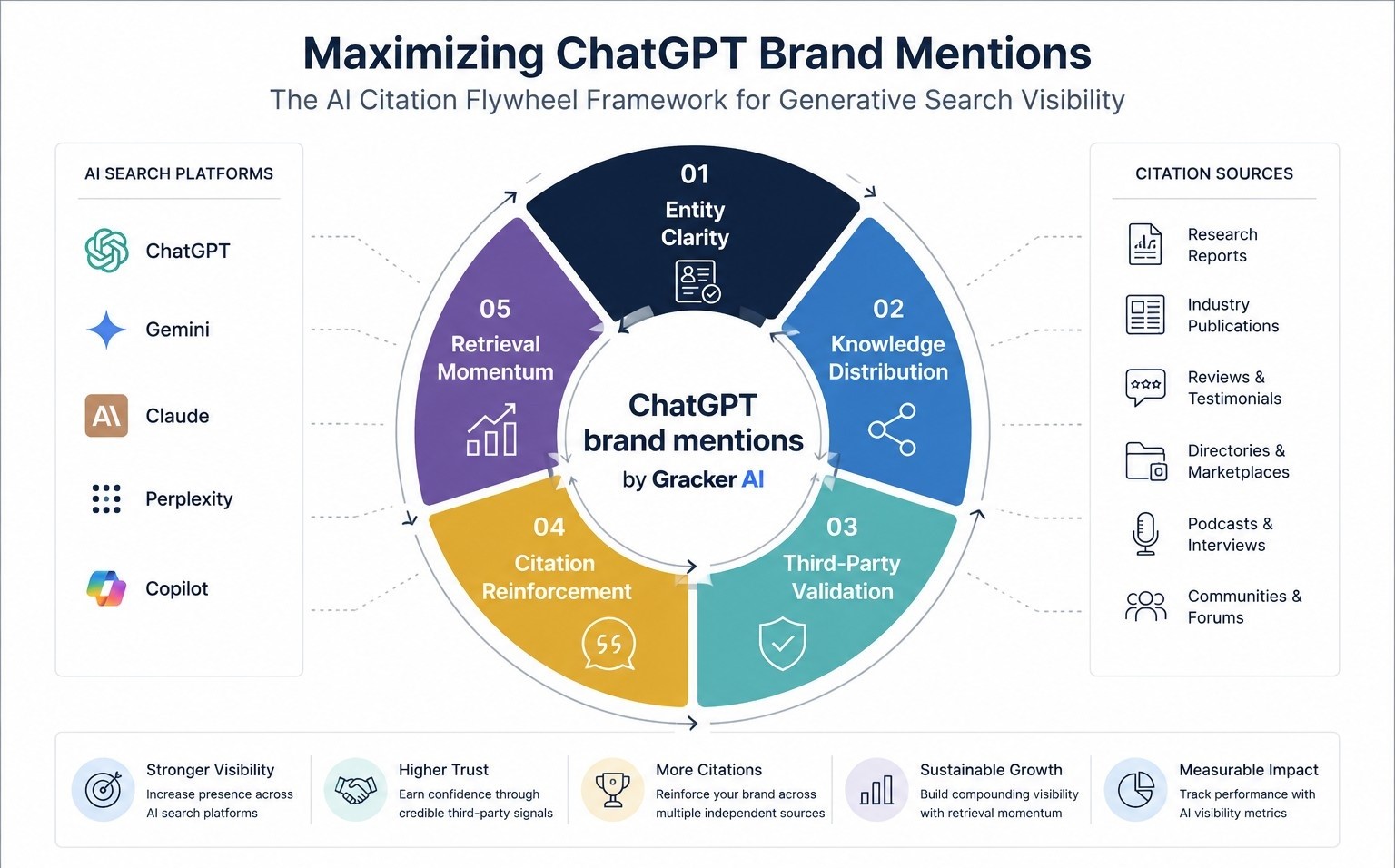 Increase ChatGPT brand mentions
Increasing ChatGPT Brand Mentions: The Complete AI Citation Playbook
Learn how to increase ChatGPT brand mentions using the AI Citation Flywheel framework. Discover proven GEO strategies to improve AI citations, AI Share of Voice, and visibility across ChatGPT, Gemini, Claude, and Perplexity.
-
 aeo
Content Depth vs. Brevity: What AI Engines Actually Prefer for B2B Topics
Discover if ai engines prefer deep content or short answers for B2B topics. Learn aeo and geo strategies for marketing managers in the tech niche.
-
 zero-click searches
Zero-Click AI Searches: How B2B SaaS Can Still Capture Value
Learn how b2b saas companies can win in the age of zero-click ai searches using AEO and GEO strategies to stay visible in chatgpt and perplexity.
-
 marketing strategy
Building Authority Without Brand Recognition: The Security Startup Playbook
Learn how security startups can build authority using growth hacking, pSEO, and AEO strategies to win in B2B SaaS without prior brand recognition.







