Internal Linking

Ankit Agarwal · Head of Marketing
Internal linking is linking one page on a website to another page on the same domain, helping users navigate and search engines discover content.
What is Internal Linking?
Internal linking is the practice of adding hyperlinks from one page of a website to another page on the same domain. Internal links let visitors move between related content, help search engines discover and crawl pages, pass link equity across the site, and use anchor text to signal what each linked page is about.
Every site already has internal links in its navigation, footer and breadcrumbs. The SEO opportunity lies in contextual links inside content, which you place deliberately. Google has long explained that it finds new pages largely by following links, and that anchor text helps it understand linked pages. A site with thoughtful internal links is easier to crawl, easier to understand and easier to convert on.
How it works
Internal links do three jobs at once:
- Discovery. Crawlers follow
<a href>links from known pages to find new ones. Pages with no internal links (orphans) may never be crawled. - Importance. Pages linked from many strong pages, such as the homepage or popular guides, tend to be seen as more important.
- Relevance. Anchor text and surrounding copy tell search engines and readers what the destination covers.
Common types include navigational links (menus), contextual links (in body text), hierarchical links (breadcrumbs, category pages) and related-content modules.
Examples
- A B2B SaaS blog post titled “How to reduce churn” links the phrase “customer health scores” to the product’s health score feature page.
- A cybersecurity glossary page on “zero trust” links to the vendor’s zero trust architecture guide and its solution page.
- A documentation hub uses breadcrumbs (Docs > API > Authentication) so each page links up to its parent section.
- After publishing a new pillar guide, a team adds links to it from five older articles on related subtopics, so it gets crawled and gains authority quickly.
Best practices
- Link where it helps the reader, using descriptive anchor text.
- Make sure every indexable page receives at least one contextual internal link.
- Route links from high-traffic informational content toward commercial pages.
- Keep important pages a few clicks from the homepage.
- Audit regularly for broken internal links and links that pass through redirects.
See internal linking best practices for a more detailed checklist.
Common mistakes
- Relying only on menus and footers.
- Using “click here” or “read more” as anchors.
- Adding nofollow to internal links in an attempt to sculpt PageRank, which does not work as intended.
- Linking to many near-duplicate pages with the same anchor text.
Internal linking and AI search
Search-grounded AI features like Google AI Overviews and Copilot rely on the underlying search index, so pages that are well linked and well indexed have a better chance of being retrieved. Clear topic clusters connected by internal links also help AI systems identify which page on your site is the authoritative answer for a question.
Related terms
Sources
- Link best practices for Google, Google Search Central
- SEO Starter Guide, Google Search Central
- Internal links, Moz
Frequently asked questions
What is the difference between internal and external links?
An internal link points to another page on the same domain, such as a blog post linking to your pricing page. An external link points to a different domain. Both matter: internal links shape how authority and relevance flow through your own site, while external links (backlinks) bring authority in from other sites.
Do internal links pass PageRank?
Yes. Google's link analysis applies to links within a site as well as between sites, so pages that receive more internal links from important pages tend to be treated as more important. This is why linking from your strongest pages to key commercial pages is a common SEO tactic.
Are navigation and footer links internal links?
Yes, they are internal links too. They help with discovery and site structure, but contextual links inside body copy usually give more useful relevance signals because the surrounding text explains why the linked page matters. Keep them focused on your most important sections.
Guides that cover Internal Linking
-
 Programmatic SEO
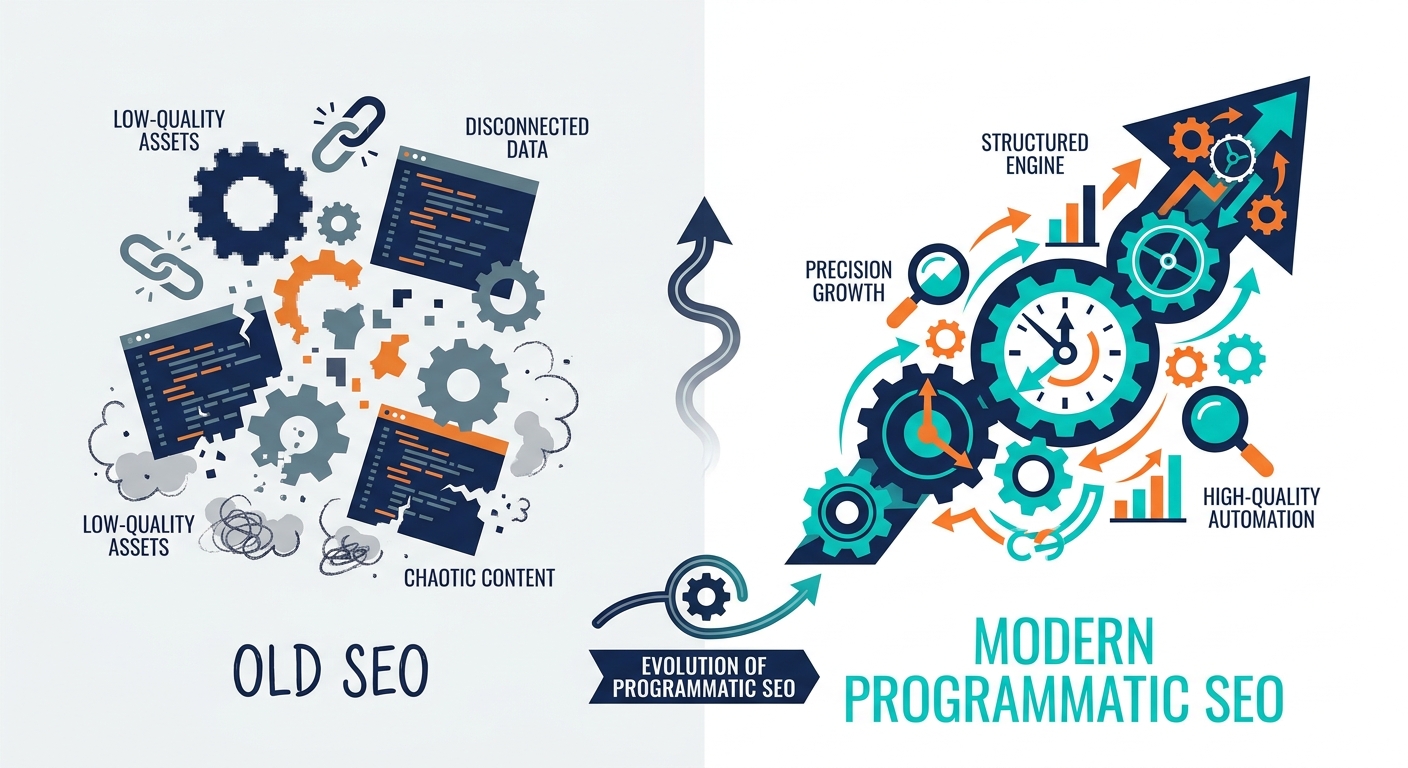
From Static to Systematic: Building a High-Growth pSEO Content Machine
Stop spamming the index. Learn how to build a data-driven pSEO content machine that generates long-term growth through unique value, not just bulk volume.
-
Understanding the Foundation: What Makes Programmatic SEO Revolutionary
Learn how B2B & B2C companies use programmatic SEO templates and databases to create thousands of pages, generate 100K+ monthly visitors, and achieve 18% conversion rates. Includes real case studies and implementation strategies.
-
How AI Uses Real-World Data to Improve Content Relevance and Search Visibility
Learn how AI uses real-world data to improve content relevance, match search intent, and boost search visibility with smarter SEO strategies.
-
 Semantic search for B2B SaaS
Why Semantic Search and Knowledge Graphs Matter for B2B SaaS SEO
Learn how semantic search and knowledge graphs improve B2B SaaS SEO by boosting relevance, authority, and AI-driven search visibility.