
Event Tracking

Ankit Agarwal · Head of Marketing
Event tracking records specific user interactions on a site, such as clicks, form submits, downloads and video plays, to measure behavior beyond page views.
What is Event Tracking?
Event tracking is the practice of recording specific user interactions on a website or app, such as button clicks, form submissions, file downloads, video plays and scroll depth, as measurable events in an analytics platform. It shows what visitors actually do on a page, which page view counts alone cannot reveal.
For marketers, events are the bridge between traffic and outcomes. They let you see which content drives demo requests, which CTAs get ignored and where users drop off in a signup flow.
How it works
- Define the event: pick an interaction and a clear name, ideally from GA4’s recommended events (for example
generate_lead,sign_up). - Choose parameters: add context such as
form_id,content_typeorplan. - Implement: fire the event with gtag.js, Google Tag Manager or a server-side setup.
- Verify: test with GA4 DebugView or Tag Assistant before publishing.
- Mark key events: flag business-critical events so they appear in conversion reports and can be imported into Google Ads.
GA4 enhanced measurement captures some events automatically: page views, scrolls (90% depth), outbound clicks, site search, video engagement and file downloads.
Examples
- A cybersecurity vendor tracks
generate_leadwhen its demo form submits successfully, with a parameter for the page the visitor came from. Reports then show which blog posts lead to demos. - A DevTools company tracks clicks on “Copy install command” in its docs as a product interest signal.
- A marketing team adds
file_downloadfor a gated threat report and compares downloads across organic, paid and partner traffic.
Best practices
- Write a tracking plan (event name, trigger, parameters, owner) before implementation.
- Use consistent snake_case names and reuse recommended events where possible.
- Track successful outcomes, not just clicks: a form submit confirmation is better than a click on “Submit”.
- Keep key events few, so reports focus on what matters.
- Respect consent requirements and avoid sending personal data as parameters.
Common mistakes
- Tracking dozens of near-duplicate events with inconsistent names.
- Firing events twice from both hardcoded gtag and Tag Manager.
- Never auditing events after a site redesign, so forms silently stop reporting.
Event tracking and AI search
AI referral visits from ChatGPT, Perplexity, Copilot and Gemini show up as referral traffic in GA4. Event tracking tells you whether those visitors convert. Segmenting key events by AI referrer is one of the few ways to connect AI visibility to pipeline; see AI referral traffic.
Related terms
- Goal Tracking
- Goal Completions
- Google Analytics
- Funnel Analysis
- Google Tag Manager
- Engagement Metrics
Sources
- [GA4] About events, Analytics Help
- Recommended events reference, Google for Developers
- [GA4] About key events, Analytics Help
- Universal Analytics is going away, Analytics Help
Frequently asked questions
How is event tracking different in GA4 compared with Universal Analytics?
Universal Analytics used a category, action and label structure for events, separate from page views and goals. GA4 is fully event-based: page views, sessions starting and conversions are all events with parameters. Universal Analytics stopped processing data in July 2023, so all new setups use the GA4 model.
Which events should a B2B SaaS website track?
Start with intent signals: demo and trial form submissions, pricing page CTA clicks, content downloads, signups, contact or chat starts, and clicks to documentation. Add engagement events like scroll depth on key guides. Mark the few that represent real pipeline as key events.
Do I need Google Tag Manager for event tracking?
No, but it helps. GA4 enhanced measurement automatically tracks scrolls, outbound clicks, site search, video engagement and file downloads. For custom events like form submissions in embedded tools, Tag Manager lets marketers add and change tracking without code deploys. It also keeps all tags in one place.
Guides that cover Event Tracking
-
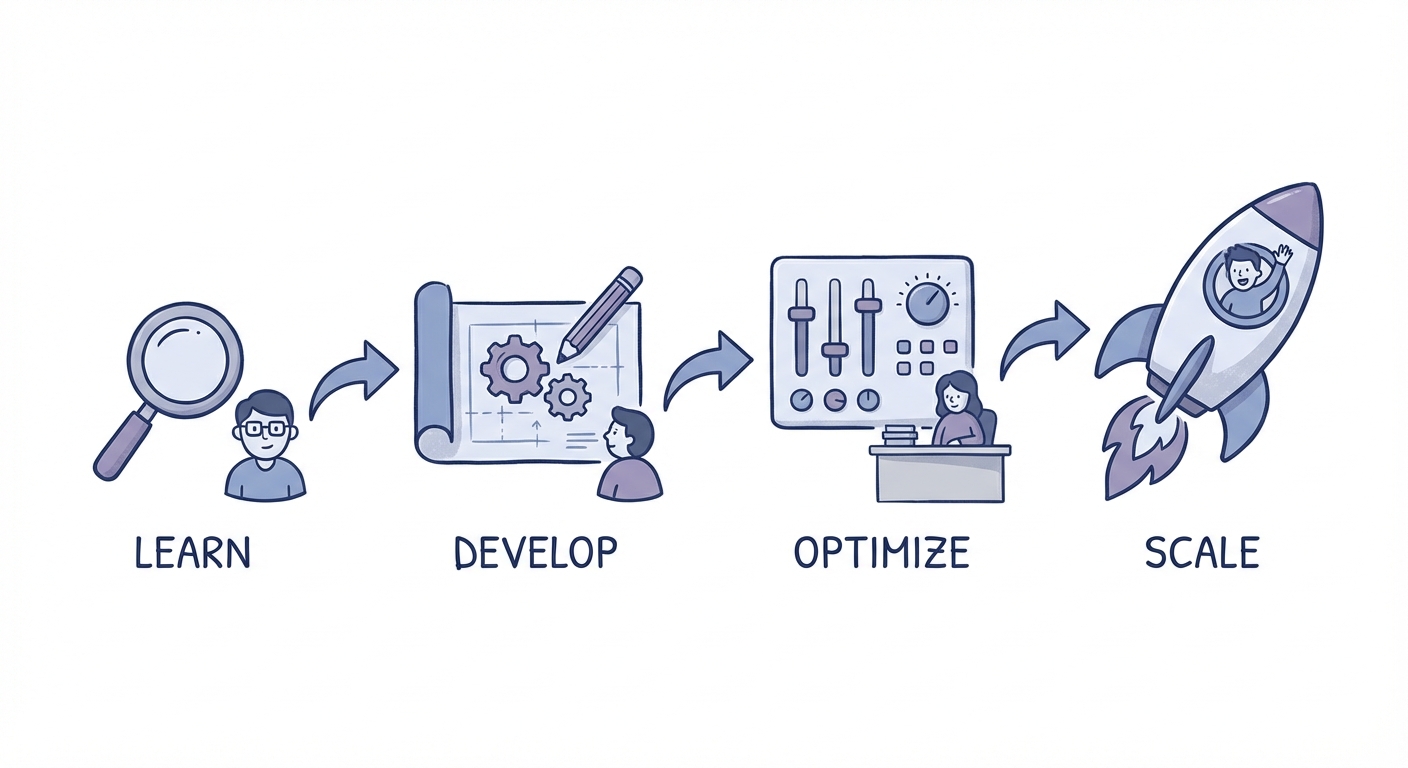 Growth Hacking Stages
Exploring the Four Stages of Growth Hacking
Master the 4 stages of growth hacking: Learn, Develop, Optimize, and Scale. Discover the 2026 operational framework to build a sustainable growth engine.
-
 squeeze pages
Understanding Squeeze Pages: A Comprehensive Guide
Learn how to build high-converting squeeze pages that rank. Our guide covers technical seo, on-page optimization, and lead gen strategies for B2B tech.
- product-led growth metrics
Mastering Product-Led Growth: A Guide to Key Metrics for Marketing Professionals
Unlock product-led growth! Learn essential metrics, frameworks, and strategies to drive user acquisition, retention, and revenue with your product.
- product-led growth
Unlocking Revenue Growth: A Comprehensive Guide to Product-Led Revenue Attribution
Learn how to leverage product-led growth and accurately attribute revenue to product usage for better marketing ROI and strategic decision-making.







